
AI Marketing8 min read
Ad Copy Generator for Video, Audio, and Social
Use an ad copy generator to turn one product brief into focused video, audio, and social scripts with AmmarAI’s practical workflow.
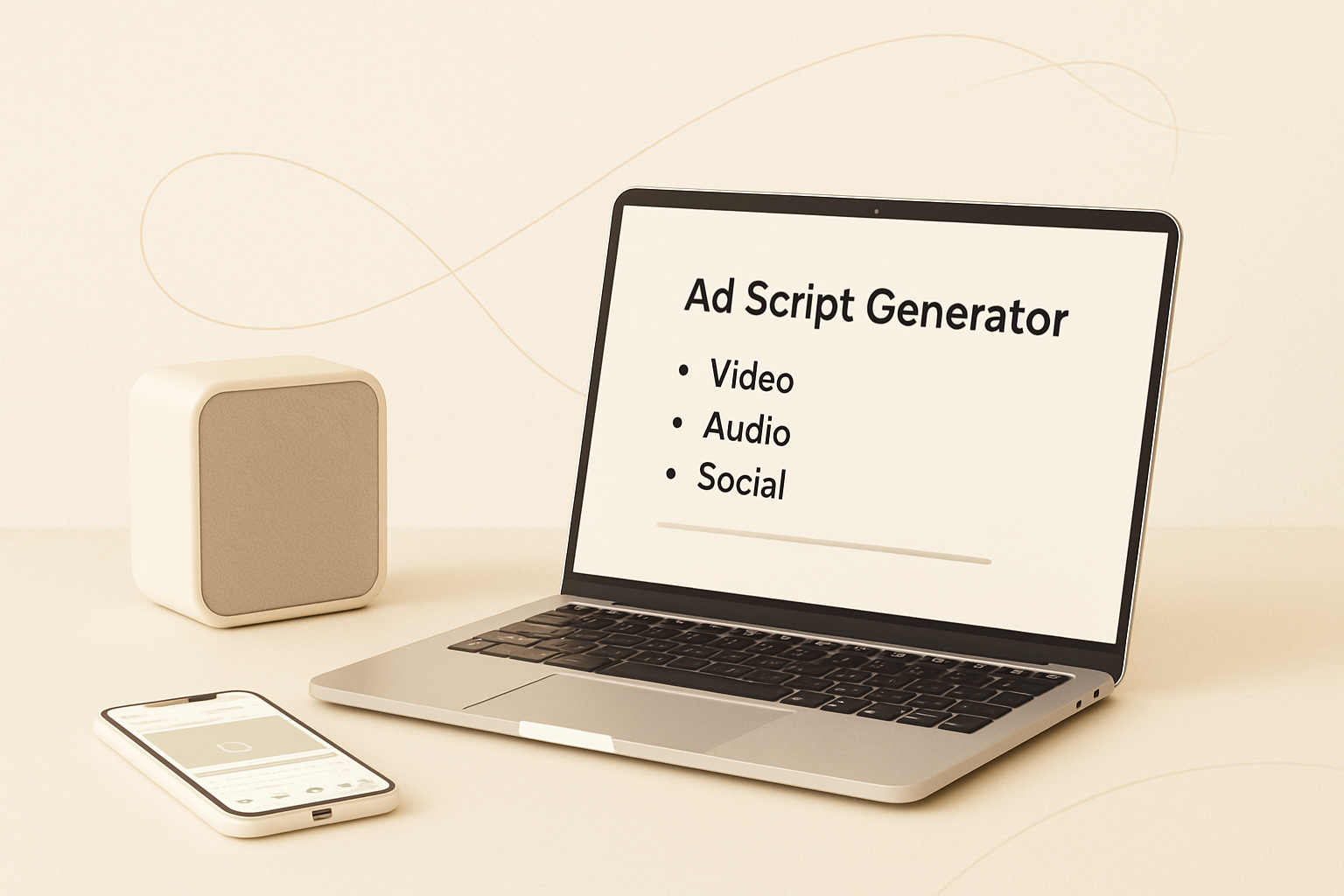
Creating channel-specific ads often means rewriting the same product message several times. AmmarAI’s ad copy generator turns a single brief into scripts for video, audio, and social campaigns, helping marketers move from an idea to an editable first draft faster without losing control of the message.
What AmmarAI’s ad copy generator does
AmmarAI’s Ad Script Generator creates advertising scripts from the product information you provide. Instead of beginning with a blank document, you can supply a product brief and generate copy structured for the channel you plan to use.
The tool is useful when one campaign needs several creative formats. A video ad may require a visual hook and scene progression, while an audio spot must communicate the same idea without visuals. Social ads often need a short opening line, a compact benefit statement, and a direct call to action.
The generated script is a working draft rather than a finished campaign strategy. Marketers can review the claims, adjust the tone, add brand language, and adapt the length before publishing or recording. This approach combines the speed of AI-assisted ad copywriting with the judgment of the person responsible for the campaign.
Start with a clear product brief
The quality of generated ad copy depends heavily on the quality of the brief. A vague prompt such as “write an ad for our software” gives the tool little direction. A useful brief explains what the product is, who it serves, why the audience should care, and what action the ad should encourage.
Focus on one audience and one campaign objective at a time. If you try to address several unrelated customer groups in the same brief, the resulting script may become broad or unfocused. Separate briefs usually produce more relevant angles for each segment.
Before generating a script, collect the following inputs:
- Product or service name and a plain-language description
- Primary audience, including its role, situation, or level of awareness
- Main customer problem the offer is designed to address
- One central benefit supported by accurate product details
- Relevant features, differentiators, and approved proof points
- Desired tone, such as direct, conversational, technical, or understated
- Target channel, approximate duration, and preferred call to action
- Words, claims, topics, or competitor comparisons that must be avoided
Adapt one message for video, audio, and social
A campaign should remain recognizable across channels, but that does not mean every ad should use identical wording. The format affects how quickly the message must appear, what context is available, and how the audience experiences the creative.
For video, pair spoken lines with on-screen actions, demonstrations, captions, or product views. The opening should make sense even when viewers encounter the ad without prior context. Keep visual directions practical so an editor or creator can produce them with the available assets.
Audio scripts need descriptive clarity because listeners cannot rely on text or imagery. Product names, benefits, and calls to action should be easy to understand when heard once. Reading the draft aloud is the simplest way to find awkward phrasing, long sentences, and unclear transitions.
Social ad copy generally needs to establish relevance quickly. The first line can identify a problem, desired result, or familiar situation before introducing the product. The rest of the script should develop one idea rather than listing every feature in the brief.
- Preserve the same core promise across all channel versions
- Change the hook to match how people consume each placement
- Adjust sentence length for spoken delivery or fast mobile reading
- Move essential information earlier in short-form ads
- Use captions or on-screen text to reinforce, not duplicate, the entire voiceover
- End with one specific next step instead of several competing actions
Build a repeatable ad copywriting workflow
An ad copy generator works best inside a defined review process. Generating many variations without evaluation can create more editing work, so begin with a clear hypothesis about the audience, problem, or benefit you want to test.
First, create a focused brief and generate an initial script. Review whether the opening addresses the intended audience and whether the body connects product features to a meaningful outcome. Remove generic phrases that could describe almost any competitor.
Next, create a small number of purposeful variations. For example, one version might lead with the customer’s problem, another with the desired outcome, and a third with a product demonstration. Keep the offer and landing page consistent when you want to compare hooks more cleanly.
Complete a human review before production. Confirm that every claim is accurate, the call to action matches the destination, and the tone fits your brand. Read spoken scripts at a natural pace, then shorten sections that feel rushed. After a campaign runs, use performance findings to improve the next brief rather than assuming the first output will be final.
Use scripts with Google Ads and preview tools
People searching for a google ads ad generator may be looking for help drafting headlines, descriptions, or concepts for video placements. AmmarAI can support the creative stage by turning a product brief into script directions and message variations, but every output should still be adapted to the requirements of the selected Google Ads format.
For text-based ads, extract the strongest benefits, differentiators, and calls to action from the generated script. Then rewrite them to fit the platform’s current field and character requirements. Avoid cutting sentences mechanically, because shortened copy still needs to read naturally and match the searcher’s likely intent.
A google ad preview tool serves a different purpose from a writing tool. It helps you inspect how an ad may appear in a placement, while a generator helps develop the message itself. Using both can make the workflow more practical: generate and edit the concept first, then preview the formatted ad before launch.
Previewing is also useful for spotting truncated text, repetitive assets, weak hierarchy, or a mismatch between the advertisement and landing page. Platform interfaces and policies can change, so confirm current specifications directly in the advertising platform before uploading creative.
Review generated scripts before publishing
AI can produce a structured draft quickly, but the advertiser remains responsible for accuracy, relevance, and compliance. A careful review is especially important in regulated industries or whenever copy mentions performance, savings, health, legal matters, or comparisons.
Use a consistent checklist so reviewers evaluate every version against the same standards:
- Verify product facts, names, features, and availability
- Remove unsupported superlatives, guarantees, and implied results
- Check advertising policies and any industry-specific requirements
- Make sure the hook connects logically to the product benefit
- Replace generic language with specific, approved brand wording
- Confirm the script matches the landing page, offer, and call to action
- Read dialogue aloud to test pacing, pronunciation, and clarity
- Check that visual directions are realistic for the production team
- Proofread final on-screen text, captions, and spoken lines separately
Create stronger drafts with an ad copy generator
AmmarAI helps marketers turn one product brief into channel-aware scripts without rebuilding the campaign message from scratch for every format. The most effective workflow is straightforward: provide specific inputs, generate a focused draft, adapt it to the placement, and apply human review.
An ad copy generator does not replace audience research, positioning, or editorial judgment. It gives your team a structured starting point for ad copy, making it easier to explore creative angles and prepare video, audio, and social scripts while keeping the central offer consistent.
Frequently asked questions
how can ai-generated ad copy improve campaign efficiency
AI-generated copy can reduce the time spent producing initial drafts and adapting one campaign idea to several channels. It can also help teams compare hooks, benefit statements, and calls to action without writing every version from the beginning. Human review is still necessary to verify claims, brand fit, and platform compliance.
is ai generated ad copy better
AI-generated ad copy is not automatically better than copy written by a person. Its main advantage is speed and the ability to create structured alternatives, while experienced marketers contribute audience insight, positioning, and editorial judgment. The strongest result often comes from generating a draft with AI and then refining it manually.
how to generate copy for ads
Begin with a brief that identifies the product, audience, problem, primary benefit, channel, tone, and call to action. Generate a draft, then assess whether the hook is relevant and every statement is accurate. Adapt the copy to the placement’s format and requirements before publishing.
what is the best ai ad copy generator
The best tool depends on the formats you create and the amount of control you need. For marketers producing video, audio, and social campaigns, AmmarAI’s Ad Script Generator is a practical option because it can develop channel-specific scripts from one product brief. Evaluate any tool based on output relevance, editability, and how well it fits your review process.
how to write ad copy with ai
Give the AI detailed context rather than a one-line request. Specify the audience, objective, key benefit, approved supporting details, desired tone, target channel, and action you want viewers or listeners to take. Treat the response as a draft, then revise it for clarity, accuracy, brand voice, and platform rules.
Recommended for you
- AI Brand Compliance: A Practical Guide for US Marketing Teams
AI brand compliance for US teams: voice, legal disclosure, copyright and provenance checks, plus a review workflow you can start this week.
- AI Brainstorming Prompts That Beat Generic Idea Lists
Copy-ready AI brainstorming prompts, a diverge-then-converge method, and the mistakes that make AI ideas bland. Includes templates for content, products and campaigns.
- Best AI Tools for Social Media: 2026 Guide
Compare the best AI tools for social media planning, writing, visuals, and scheduling, with pricing guidance and clear picks for every team size.
Tools to try next
- AI Marketing Bot
Broadcast marketing messages to your WhatsApp and Telegram audiences — written by AI, segmented, scheduled and measured.
- Ad Script Generator
Generate ad scripts for any channel — video, audio, or social — from a single product brief.
- AI Agent Builder
Build agents that run real workflows on a schedule or trigger — reading, deciding and acting without you.