
AI Video7 min read
AI Dubbing: Localise Videos with AmmarAI
Use AI Dubbing to translate video speech, create natural voices, match timing and export a finished localised video with AmmarAI.
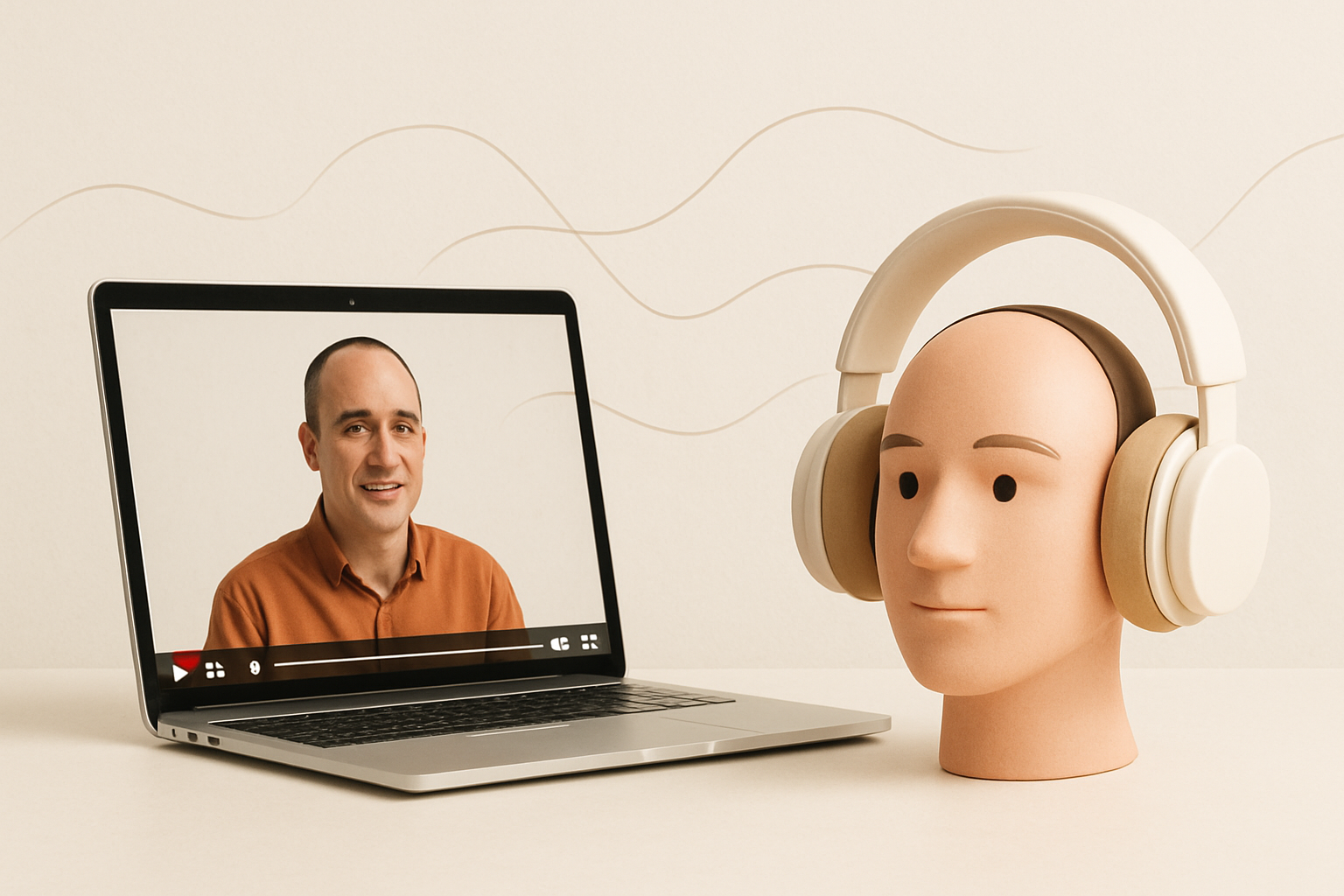
Reaching viewers in another language usually involves translation, voice recording, audio editing and video production. AmmarAI’s AI Dubbing tool brings those steps into one workflow, helping marketers and creators turn spoken video into natural-sounding, localised content with timing matched to the original footage.
What Is AI Dubbing?
AI dubbing is the process of translating spoken dialogue in a video and generating replacement speech in another language. Rather than adding subtitles alone, it creates a new audio track so viewers can listen in their preferred language while watching the original visuals.
A typical workflow combines speech recognition, translation, voice generation and timing adjustment. The goal is not simply to read translated text aloud. Effective dubbing must preserve the meaning, tone and pacing of the source while fitting the structure of the finished video.
With AmmarAI, you can use the AI Dubbing tool to translate spoken content, create natural voices, match the new speech to the video’s timing and produce a localised version. This can reduce the manual handoffs usually required between transcription, translation, recording and editing tools.
How AmmarAI’s AI Video Dubbing Tool Works
The process starts with an existing video. The tool analyses its spoken audio, converts that speech into text and prepares the dialogue for translation. It then generates a voice track in the selected target language and aligns the translated speech with the source video.
Timing matters because translated sentences are rarely the same length as the original dialogue. An AI video dubbing tool can adjust delivery and placement so the new audio follows scene changes and speaker turns more closely. The result is a finished localised video rather than a disconnected voice file that still requires extensive assembly.
AmmarAI’s workflow is designed for prepared video localisation, not real time AI dubbing of live broadcasts or calls. This distinction is useful when comparing tools: real-time systems prioritise immediate delivery, while post-production dubbing allows more opportunity to review language, pronunciation and timing before publication.
- Upload a video with clear spoken audio.
- Choose the language you want the speech translated into.
- Generate the translated voice track and matched timing.
- Review names, terminology, pronunciation and pacing.
- Export the finished localised video for your chosen channel.
Where AI Voice Dubbing Is Most Useful
AI voice dubbing can support any content strategy that needs to communicate the same message across languages. It is particularly practical for teams with a growing library of videos but limited access to multilingual voice actors and editors.
For YouTube creators, dubbing can make tutorials, explainers and educational videos easier to follow than subtitle-only versions. Marketing teams can localise product demonstrations, campaign videos and customer onboarding material. Internal teams can also adapt training or process videos for colleagues in different regions.
Not every video needs dubbing. Music-led clips, videos with little dialogue or content created for a single local audience may gain limited value. Prioritise evergreen videos, important conversion content and frequently viewed support material before localising an entire archive.
- YouTube tutorials and long-form educational videos
- Product walkthroughs and feature demonstrations
- Online courses, lessons and training libraries
- Social videos intended for several regional audiences
- Customer onboarding and help-centre content
- Webinars, interviews and recorded presentations
How to Prepare a Video for Better Dubbing
Automatic voice dubbing AI works best when the source material is easy to understand. Background noise, overlapping speakers and unclear terminology can affect transcription, translation and voice delivery. A few checks before upload can make the review process faster.
Start with the cleanest available export rather than a compressed copy downloaded from social media. If possible, use a version without loud background music beneath the dialogue. Also prepare a short glossary for brand names, product terms, acronyms and words that should remain untranslated.
Translation should communicate intent, not just replace words. A concise English phrase may need a longer sentence in another language, while a joke or idiom may require adaptation. Review the output with the audience and context in mind, especially for sales claims, legal wording, technical instructions or culturally specific references.
- Use clear audio with minimal echo and background noise.
- Avoid several people speaking at the same time.
- Confirm the correct source language before processing.
- List names and specialist terms that need careful handling.
- Choose a target language appropriate for the intended region.
- Check translated calls to action, dates, units and contact details.
- Watch the complete export before publishing it.
How to Evaluate the Best AI Dubbing Software
The best AI dubbing software is the option that fits your content, languages and publishing process. A long feature list matters less than whether the output is understandable, appropriately paced and straightforward to review.
Test a representative clip before committing to a large batch. Include normal dialogue, a brand name, a technical term and at least one fast sentence. Listen for omitted meaning, unnatural pauses, incorrect emphasis and pronunciation issues. Then watch the video without reading the source transcript to judge whether the localised version stands on its own.
Workflow is another important factor. Separate transcription, translation, text-to-speech and editing applications can provide control, but they also add exports and handoffs. AmmarAI combines the core stages so creators can move from an existing video to a finished localised version in one place.
- Language support for the audiences you need to reach
- Natural voice quality and clear pronunciation
- Timing that follows cuts, pauses and speaker turns
- A practical way to review the translated result
- Finished video export, not only an audio download
- A workflow suitable for both one-off and repeat projects
Build AI Dubbing into a Localisation Workflow
Begin with a small group of high-value videos and one priority language. This makes it easier to create a review checklist, identify recurring terminology and learn which source videos produce the clearest output. Once the process is reliable, expand to more content or languages.
Keep version names consistent so teams can identify the source language, target language and revision. Store approved translations of repeated product phrases and calls to action. If a video contains regulated, contractual or safety-related information, arrange an appropriate human review before distribution.
AI Dubbing can make multilingual video production more manageable, but quality still depends on the source audio and final review. AmmarAI provides the translation, natural voice generation, timing alignment and finished localised video workflow; your team supplies the audience knowledge needed to confirm that each version is accurate, relevant and ready to publish.
Frequently asked questions
How does AI dubbing work?
AI dubbing identifies speech in a video, transcribes it, translates the text and generates a new voice track in the selected language. The system then adjusts the placement and pacing of the translated speech to fit the original video before producing a localised export.
What is the best AI dubbing software for YouTube?
The best option depends on your target languages, required voice quality and review process. For YouTube, look for accurate translation, natural delivery, matched timing and a finished video export; AmmarAI brings these stages together in a single workflow.
Can AI dub videos in multiple languages?
Yes, AI dubbing can be used to create separate localised versions of one source video in multiple supported languages. Each version should be reviewed independently because wording, timing, pronunciation and regional usage can vary by language.
Is AI dubbing free?
Availability and usage terms depend on the provider and may change, so check the current tool page before starting a project. Also consider the full workflow, including translation review, revisions, storage and publishing, rather than judging a tool only by whether an initial generation is free.
Is AI dubbing the same as subtitles?
No. Subtitles display translated text on screen, while dubbing replaces or supplements the spoken audio with a voice in another language. Many publishers use both so viewers can choose how they consume the video and still follow dialogue in sound-sensitive environments.
Recommended for you
- How to Create Videos With an AI UGC Video Generator
Use an ai ugc video generator to script, cast, voice, lip-sync, review, and publish consent-based creator ads. Follow this practical workflow today.
- How to Enhance Video Quality With an AI Video Enhancer
Use an AI video enhancer to restore soft, compressed, or low-resolution footage step by step while preserving motion, faces, edits, and original audio.
- Best AI Tools for YouTube: A Buyer’s Guide
Compare the best AI tools for YouTube for scripting, editing, captions, thumbnails, and publishing, with pricing notes, pros, cons, and ideal users.
Tools to try next
- UGC Factory
Produce creator-style videos at volume with virtual actors, digital twins, voiceover and lip-synced delivery.
- Viral Clips
Turn one long video into a set of short vertical clips built for TikTok, Reels and Shorts.
- AI Video Enhancer
Upscale and restore video frame by frame for sharper detail and a higher output resolution.