
AI Audio10 min read
Students: Study Notes AI to Build 50 Flashcards From a PDF in Minutes
Turn lectures, slides, and PDFs into notes, flashcards, and quizzes with study notes AI. Consolidate work in one AI workspace and verify outputs.
Students: Study Notes AI to Build 50 Flashcards From a PDF in Minutes
Use AI to convert lectures, PDFs, slides, and even handwritten pages into editable notes, flashcards, and quizzes, then check the output before you trust it. Study notes AI tools handle the grunt work of transcription and summarizing fast, but they still misread names, dates, and formulas often enough to matter. Upload one lecture recording or PDF today, generate notes and a flashcard deck, and spot check the results against your source material before your next study session.
TL;DR:
- AI study tools can generate summaries, outlines, flashcards, quizzes, and mind maps from diverse input sources within seconds, supporting active learning methods.
- Accuracy issues with transcription, OCR, and detail preservation mean users must verify and spot-check generated notes before relying on them for exam preparation.
- Customization options like note format, summary length, and source linking are critical for aligning AI outputs with specific study strategies and review workflows.
- Validating AI outputs by comparing key facts and details with original sources prevents errors, especially in formulas, dates, or technical terminology.
- Combining AI-generated materials with human review and instructor guidance produces the most reliable and efficient study aids.
Table of Contents
- What Does AI Study Notes Software Actually Do?
- How Do You Choose the Right AI Study Tool?
- How Do You Turn a Lecture Into Study-Ready Notes?
- Where AI Study Notes Go Wrong (and How to Catch It)
- When AI Speeds Up Studying, and When It Slows You Down
- Build Your Study Workflow With One AI Workspace
- Sources
- FAQ
What Does AI Study Notes Software Actually Do?
Study notes AI tools take raw material, lecture audio, slide decks, PDFs, YouTube videos, images of handwritten pages, or plain text, and convert it into something you can actually study from. Some platforms support all of these input types and return results in under a minute, according to Purdue Global’s overview of AI study tools.
The outputs typically fall into a few categories:
- TL;DR summaries that compress a 90-minute lecture into a few key paragraphs
- Structured outlines with headers, subpoints, and concept hierarchies
- Flashcards formatted for spaced repetition, often exportable to Anki
- Auto-generated quizzes for practice testing
- Mind maps that show how concepts connect
- Exports in PDF, DOCX, Markdown, or CSV for use elsewhere
The real value shows up when these outputs map to actual study methods. A flashcard deck supports active recall. A quiz supports practice testing, which the cognitive science on learning consistently ranks above simple rereading. Note taking AI that stops at a summary and skips the flashcards or quiz step leaves the hardest part of studying, actually retrieving the information later, entirely up to you.
How Do You Choose the Right AI Study Tool?
Not every note taking AI tool deserves your subscription money. A few criteria separate the tools worth your time from the ones that generate polished-looking notes full of small, costly errors.
- Transcription and OCR accuracy. A tool that mishears technical vocabulary or garbles handwriting turns your notes into a proofreading project instead of a study aid. Check turnaround time and language support too, especially if lectures include specialized terminology.
- Output customization. Look for control over summary length, note format (outline vs. bullet vs. concept map), and whether the tool preserves citations back to the original slide or timestamp.
- Study-specific features. Flashcard generation and quiz creation matter more than a pretty summary. Check whether decks export in a format compatible with spaced repetition systems.
- Editability and source linking. You need to fix errors and trace a fact back to where it came from. Integrations with Google Drive, your school’s LMS, or Anki save real time.
- Privacy policy and cost structure. Understand what happens to uploaded lecture recordings and documents, and know exactly where the free tier cuts off before you’re mid-semester and locked out.
Pro Tip: Test any AI study tool with a lecture you already understand well before trusting it with new material. If it botches details on a subject you know, don’t hand it something you don’t.
How Do You Turn a Lecture Into Study-Ready Notes?
Getting reliable output from a research assistant AI or notes tool comes down to following the same sequence every time.
- Clean up your source material first. Trim dead air from recordings, make sure scanned pages are legible, and confirm slide text isn’t cut off. Garbage in still means garbage out, even with a strong AI study planner backing the workflow.
- Run transcription or OCR, then skim the raw output for obvious misreads before you generate anything downstream. Confirm timestamps or section headers landed where you expect them.
- Generate structured notes. Pick a summary length and format that fits how you actually study, whether that’s a tight outline or a visual concept map.
- Create flashcards and quizzes, then export to your preferred spaced repetition system or use whatever built-in scheduler the tool offers.
- Verify the details. Check formulas, dates, and names against your original source. Annotate any corrections directly in your workspace, and keep the source file linked so you can double-check later.
- Schedule your reviews. Spaced repetition beats one long cram session, so space your flashcard reviews across days rather than the night before an exam.
Where AI Study Notes Go Wrong (and How to Catch It)
Hallucinations and quiet omissions are the two failure modes that matter most. An AI summarizer can invent a plausible-sounding date, misattribute a formula, or drop a nuance your professor spent ten minutes explaining, all while sounding completely confident. Educational researchers recommend treating AI output as a starting point rather than a finished product, building your own understanding of why an answer works rather than accepting it at face value, a point backed by Purdue Global’s guidance on AI study tools.
Practical verification looks like this:
- Keep the original file linked inside your notes so you can jump back to the source in seconds.
- Spot check a sample of generated flashcards against your textbook or slides rather than trusting the whole deck blindly.
- Flag corrections inside your workspace so errors don’t resurface in your next study session.
- Follow your instructor’s specific rules on AI use. Some courses ban it for graded work entirely; others allow it for study aids only.
Curriculum-ordered, human-reviewed note collections show one way to scale this responsibly. One public repository organizes 83 AI/ML topics into structured 30 to 60 minute sessions, pairing AI generation with human review rather than relying on raw AI output alone, according to the genai-notes project. Mixing AI-generated decks with instructor-provided materials, rather than replacing one with the other, tends to produce the strongest results.
When AI Speeds Up Studying, and When It Slows You Down
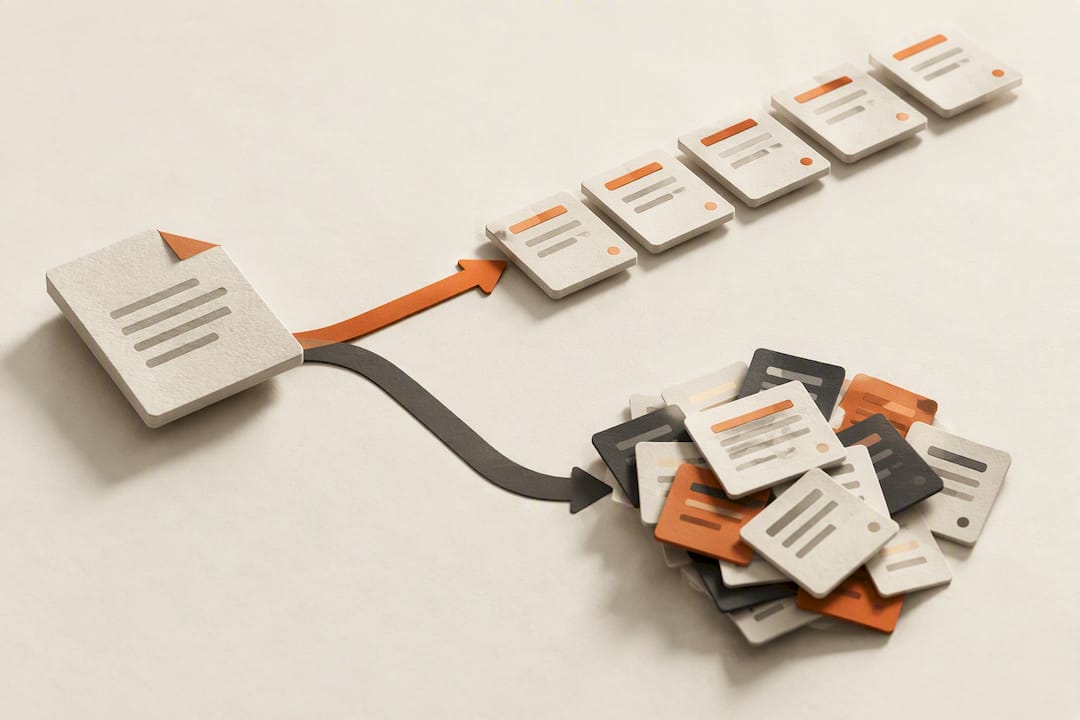
AI note generation earns its place when you’re organizing a semester’s worth of lectures into something usable fast, or when you need fifty flashcards built from a dense PDF before tomorrow’s quiz. That’s where the tool wins, cleanly and by a wide margin. Where it loses is depth. Building genuine understanding, the kind you need for a proof, a design problem, or an essay argument, still requires working through material yourself, the way foundational courses like UC Berkeley’s CS188 walk students through search and planning step by step rather than handing over conclusions.
My rough rule: let AI handle some portion of your prep, including organizing, first-pass summarizing, and flashcard drafting, and reserve the rest for active problem solving, practice tests, and instructor feedback. Tools that skip the verification step and hand you a deck to memorize blind are doing you a disservice, no matter how fast they generate it.
— Ahmed
Build Your Study Workflow With One AI Workspace
Most students end up juggling a transcription app, a flashcard generator, and a separate export tool just to turn one lecture into something studyable. Some platforms consolidate that into a single workspace instead of requiring multiple subscriptions.

Upload a lecture recording, PDF, or slide deck to the AI Document Analyzer and chat directly with the material to pull out concepts, generate summaries, or draft flashcards without switching tools. Pair that with AI Transcription for lecture audio, and export your finished notes and decks in PDF, DOCX, or CSV formats ready to import into Anki or your school’s LMS. Shared workspaces mean study groups can build off the same set of notes instead of duplicating work five times over.
If you’re managing multiple courses, some tools offer bulk-generation that handles the repetitive part, running the same summary or quiz format across a stack of PDFs in one pass. Run your next lecture recording through the AI Document Analyzer, generate a flashcard deck, and see how it fits your study routine.
Sources
- AI study tools that help you learn more efficiently | Purdue Global
- CS188: Introduction to Artificial Intelligence (full textbook)
- genai-notes — Structured GenAI study notes (GitHub)
FAQ
Can AI Generate Flashcards Directly From a PDF?
Yes, most study notes AI tools let you upload a PDF and generate a flashcard deck automatically, often formatted for direct import into spaced repetition systems like Anki. Accuracy depends on how clean the source PDF is, so scanned documents with poor image quality tend to produce weaker results than text-based files.
How Accurate Is AI Transcription for Lecture Recordings?
Transcription accuracy varies by tool and audio quality, with clear recordings and standard vocabulary producing the most reliable results. Technical jargon, heavy accents, or overlapping speakers increase error rates, so always skim the raw transcript before generating notes from it.
Is It Okay to Use AI-Generated Notes for Graded Assignments?
That depends entirely on your instructor’s or institution’s policy on AI use, which varies widely by course and school. Using AI to generate study aids like flashcards or summaries for personal review is generally treated differently than submitting AI-generated content as your own graded work.
What Export Formats Do Study Notes AI Tools Support?
Common export formats include PDF, DOCX, Markdown, and CSV, with CSV typically used for importing flashcard decks into spaced repetition apps. Ammarai supports exporting notes and flashcard decks in these formats through its AI Document Analyzer, so you can move study materials into whatever system you already use.
Do I Need to Pay for AI Study Notes Tools?
Many tools offer a free tier with limited monthly generations before requiring a paid plan, often including paid tiers for heavier use. Check current pricing directly on the provider’s site, since usage caps and features change as plans get updated.
Recommended
Recommended for you
- Multimodal AI Content: What It Is and How to Make It
Multimodal AI content spans text, images, audio and video. See how it works, where it helps, the risks to check, and how to build a workflow that holds up.
- AI Transcription Accuracy: One Wrong Name Can Outweigh a Good WER
Learn what WER and entity recall miss, when AI transcripts need human review, and how to test accuracy on your own audio before relying on the results.
- AI Meeting Notes for Teams: Stop Stitching Tools Together
See how AI meeting notes can capture decisions, assign tasks, and connect with team tools. Learn what to test in a pilot and how privacy shapes deployment.
Tools to try next
- AI Text to Speech
Convert articles, documents and scripts into clear spoken audio, at length and at speed.
- AI Speech to Text
Fast, accurate conversion of speech into text, including live dictation and recorded audio.
- Sound Studio
Merge audio, add background music, adjust voice speed and loudness, and fine-tune voiceovers in one place.