
Create / AI Image
The image changes while you type
No writing a full prompt, submitting, waiting and starting again. Type a few words and the picture forms in front of you, changing as fast as you change your mind.
What is the AI Realtime Image?
Normal image generation is stop-and-go: write the prompt, submit, wait, look, edit, repeat. Most of the work is waiting for a render you already know is wrong.
Realtime Image removes the gap. The picture takes shape as you write, so trying "watercolour" instead of "cyberpunk", or moving the light, or changing a character's pose, is a live adjustment rather than another round trip.
It suits exploration: characters, worlds, scenes and abstract ideas, where the point is to see many possibilities quickly and keep the one that works.
Capabilities
What you can do with the AI Realtime Image
How it works
Using the AI Realtime Image
- 01
Start typing
Write a few words. The image begins forming before you finish the sentence.
- 02
Steer it live
Add a style, a light, a camera angle or a mood and watch the picture follow.
- 03
Explore variations
Change a single word to test a bold idea without losing your place.
- 04
Keep what works
Save the version you want and take it into editing or the rest of your project.
Examples
What good input and output look like
AI Realtime Image
Live demoWriting the prompt1/2You type
AmmarAI renders
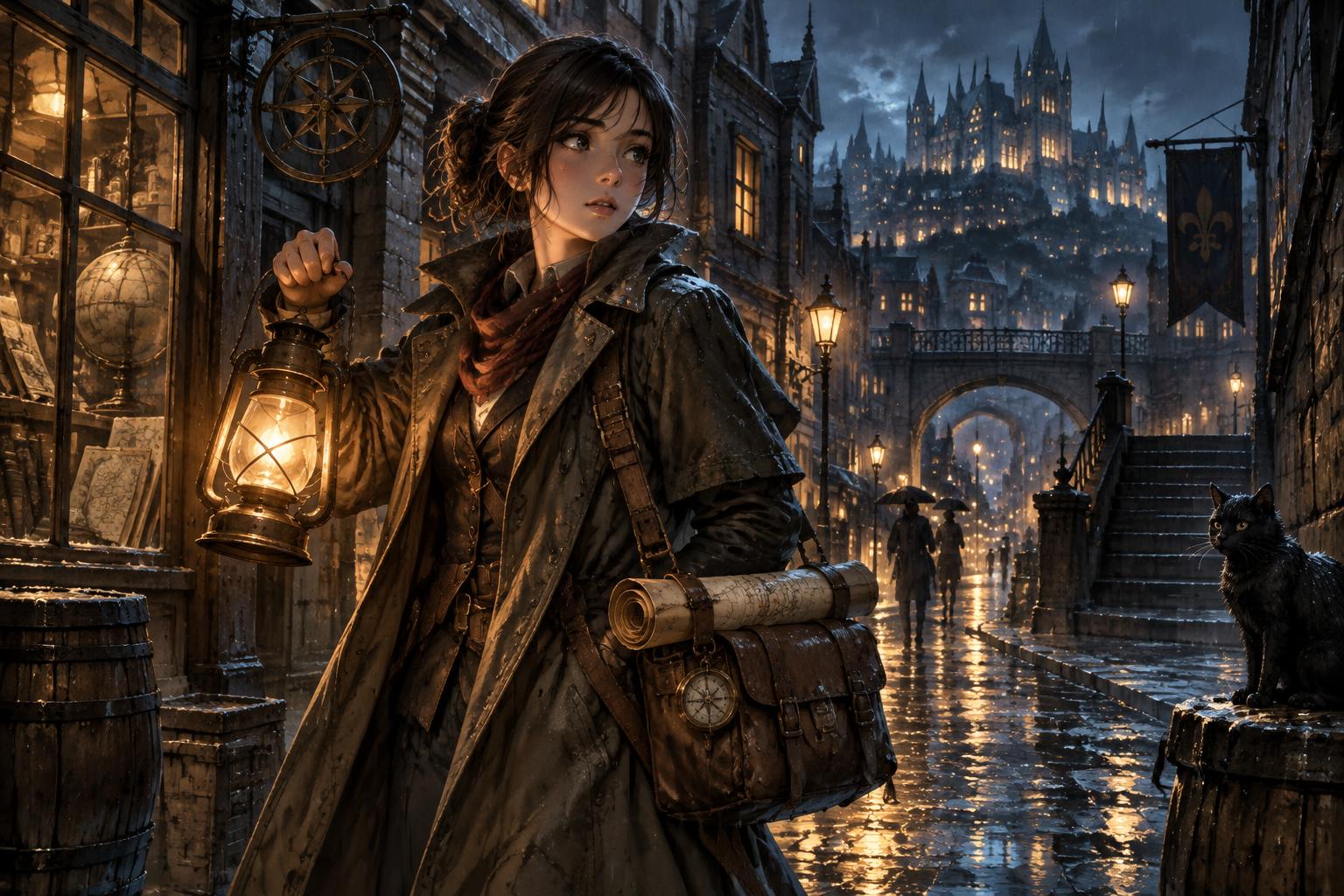
Sample output — a lantern-lit young cartographer in a rain-soaked anime city, refined live from the evolving prompt.
Three distinct versions seen within seconds of each other, each appearing as the words are typed rather than after a queue.
Character exploration
Input
"young cartographer, lantern light" — then add "anime", then "rain-soaked street".
Output
Three distinct versions seen within seconds of each other, each appearing as the words are typed rather than after a queue.
Mood testing
Input
A product scene tried in warm morning light, then overcast, then neon night.
Output
The same composition relit three ways in one sitting, with the strongest option saved.
Key features
What the tool gives you
Live rendering
The picture updates as the prompt changes, so you never submit and wait to find out.
Style switching
Move between watercolour, realism, anime, cyberpunk and more without restarting.
Fine control in words
Colour, mood, angle, background and perspective all respond to small wording changes.
Stay in flow
No jumping between prompt and preview, which is where most ideas get lost.
Who it is for
People who get the most from this
Illustrators and concept artists
Explore many directions before committing to one.
Designers and marketers
Find the right look quickly instead of burning renders on guesses.
Writers and world-builders
See characters and settings while describing them.
Workflows
Practical ways teams use it
Concept exploration
Sketch out characters, worlds and scenes in words and see them immediately.
Style hunting
Find the visual direction for a campaign before generating the final assets.
Tips that improve results
- Start broad, then add one detail at a time so you can see what each word does.
- Use it to choose a direction, then finish the chosen image in AI Image Pro or the editor.
- Save versions as you go — the live preview moves on quickly.
Mistakes worth avoiding
- Writing a long prompt before looking
- Trying to get a final print-ready asset here rather than a direction
- Changing five things at once
AI Realtime Image FAQ
How is this different from AI Image Pro?
Realtime Image is for exploring: the picture updates as you type. Image Pro is where you produce and refine the finished image.
Can I keep the images?
Yes — save the versions you want and use them in the other tools.
Related
Tools that pair well with this
AI Image Pro
A full image studio: generate from text, edit with a brush, keep one character or style consistent, swap backgrounds, upscale and export every size you need.
AI ImageAI Image Editor
Edit a photo by describing the change — swap the background, remove objects, extend the frame, fix the light.
AI ImageAI Creative Suite
A drag-and-drop design editor with AI image generation — ads, social posts, invitations and banners that all match.
AI ImageAI Product Photoshoot
Turn one plain product photo into a full commercial shoot — studio, lifestyle and seasonal scenes.
Try the AI Realtime Image free
One AI for everything you create. Start on the free plan and upgrade only when the volume demands it.