
AI Writing15 min read
SOP Writing With AI: A Practical Guide to Drafting Procedures
Learn how to write SOPs with AI: what to feed it, a prompt you can reuse, the sections to include, and how to test the draft before your team relies on it.

SOP Writing With AI: A Practical Guide to Drafting Procedures
AI can turn rough process notes into a clean, numbered standard operating procedure in minutes. But it only writes what you give it, so the quality of the SOP depends on your inputs, your prompt and your review. This guide covers all three, with a reusable prompt, a section checklist and a test you can run before anyone depends on the document.
One note on the keyword: “SOP” here means a standard operating procedure, the written instructions for a routine business task. If you were looking for a statement of purpose for a university application, this is a different thing.
TL;DR
- Give the AI real material: process notes, a transcript or recording, your template and one approved SOP as a style example.
- Tell it the audience, format and sections, and tell it not to invent steps, policies or approvals.
- Have the process owner check the draft against actual practice, then let someone new to the task try it using only the document.
- Name an owner, publish the SOP where the team works, and review it whenever tools, roles or rules change.
- A single workspace with saved brand voice and shared history makes it easier to keep a whole SOP library consistent.
Table of Contents
- What an SOP is and what makes one useful
- What to give the AI before you ask for a draft
- A prompt you can reuse
- The sections every SOP should include
- A worked example: refund requests
- How to check an AI-written SOP before anyone uses it
- Keeping SOPs current once they are published
- Risks and how to handle them
- Perspective: why SOPs belong in the same workspace as everything else
- Try it in one workspace
- Getting started this week
- FAQ
- Sources
What an SOP is and what makes one useful
A standard operating procedure is a set of written instructions for a routine activity. Done well, SOPs improve efficiency and consistency, cut errors, speed up training and support compliance. That last point matters most in regulated work. In US drug manufacturing, for example, FDA’s current good manufacturing practice guidance points to the written procedures requirement in 21 CFR 211.100.
Most businesses are not under rules that strict. They still benefit from the same basics:
- One person can follow it without asking anyone. If a new hire has to message a colleague halfway through, the SOP has a gap.
- It describes what really happens. An SOP that describes the ideal process nobody follows is worse than none.
- It is short enough to use. Steps are numbered, each starts with a verb, and each does one thing.
- It has an owner. Someone is responsible for updating it.
AI helps with the first and third points: it structures messy notes into numbered steps quickly. It cannot help with the second. Only people who do the work know what the work is.
What to give the AI before you ask for a draft
The most common reason an AI-written SOP comes out generic is a one-line prompt such as “write an SOP for onboarding a client.” The model fills the gaps with plausible but made-up detail. Feed it raw material instead:
- Process notes. Even a messy bullet list from the person who does the task is better than nothing.
- Transcripts or recordings. Ask the person to talk through the task while sharing their screen, then transcribe it.
- Your existing template. If you have a standard layout, paste it in.
- One approved SOP. Use it as a style example for length, tone and level of detail.
- Current policies and rules. If compliance matters, the AI can only follow rules you provide.
- Context. The purpose, scope, roles, the trigger that starts the task, and the tools involved.
This matches what process-documentation guidance generally recommends: a short description of the recurring task with its trigger, people, systems and current notes is the starting point. If your source is a long policy PDF or a folder of old documents, an AI document analyzer lets you ask questions of those files and pull out the relevant steps before you draft.
A prompt you can reuse
A good SOP prompt does five things: it defines a role, names the audience, sets the structure, supplies the material and sets limits. Specifying audience, level of detail, required sections, tone and format is the core of it. Here is a template to adapt:
You are an operations writer. Draft a standard operating procedure for [task] for [audience, e.g. a new customer support agent in their first week]. Use the structure below. Use only the notes I paste after this message. Do not invent steps, policies, tools or approval requirements. If information is missing, list it under “Open questions” instead of guessing. Write each step as a short imperative sentence, one action per step. Notes: [paste notes or transcript].
Three habits make this stronger:
- Name the format. Say “numbered steps, no paragraphs inside steps” or “table with step, owner, tool.”
- Ask for open questions. Asking the AI to flag missing information as questions for a human to answer turns a hidden gap into a visible to-do list.
- Iterate in small passes. Ask for the draft, then ask it to tighten wording, then to add exception handling. Smaller requests give better results than one giant one.
If you want a deeper look at prompt writing in general, our guide on how to write better AI prompts covers the structure in detail, and this piece on writing prompts that work for a whole team is useful when several people will be drafting SOPs.
The sections every SOP should include
Ask the AI for a fixed structure so every SOP in your library looks the same. A solid default:
| Section | What it contains |
|---|---|
| Purpose | One or two sentences on why the procedure exists |
| Scope | Who and what it covers, and what it does not |
| Roles | Who performs, approves and is informed |
| Prerequisites | Access, tools, materials and training needed first |
| Procedure | Numbered steps, one action each |
| Decision rules | “If X, do Y” branches, with clear criteria |
| Exceptions | What to do when something goes wrong, and who to escalate to |
| Quality checks | How to confirm the work was done correctly |
| Records | What is logged, where, and for how long |
| Version history | Date, author, reviewer, what changed |
These ten sections line up with the checklist most SOP guidance uses, and the academic AI cookbook from the University of Missouri system recommends the same approach: describe the workflow step by step, define your format, and have the AI structure the notes into a numbered procedure with decision points and exception handling.
For simple tasks you can drop sections. A five-step social media posting routine does not need a records section. A refund procedure that touches money probably does.
A worked example: refund requests
Here is how the pieces fit together for a small online shop.
Input. The support lead records a three-minute voice note walking through a refund, and pastes the current refund policy. You transcribe the audio and paste both into the prompt above, with the target audience set as “a part-time support agent with no prior experience.”
Draft. The AI returns a structured document. The procedure might read:
- Open the order in the store dashboard and confirm the order number matches the request.
- Check the delivery date. If it is within the refund window in the policy, continue. If not, go to the exceptions section.
- Confirm the item condition using the customer’s photos.
- Issue the refund to the original payment method.
- Send the confirmation template and log the refund in the tracking sheet.
Open questions. The AI also lists what it could not find: who approves refunds above a certain value, and what happens with partially used items. The support lead answers those two questions, and the draft is revised.
The point of this example is the open questions list. A tool that confidently fills those two gaps would have produced an SOP that looks finished and quietly gives wrong instructions.
How to check an AI-written SOP before anyone uses it
Treat every AI draft as a first draft. A reliable workflow is gather raw data, generate a structured draft, then require human review and testing before publication. In practice, that means three checks.

1. Process owner review
The person who actually does the task reads the draft line by line and compares it with what they do. They look for steps that are missing, steps in the wrong order, tools that were renamed, and approvals that do not exist. AI cannot know what happens inside your organization, so this step cannot be skipped.
2. The no-help test
Give the SOP to someone who has never done the task and ask them to complete it using only the document. You are not allowed to answer questions. Every time they stall, guess or ask, note the step. Those are the places where the SOP is missing information or the wording is unclear.
3. Compliance check
AI will not verify compliance on its own. It only works against the rules you provide, and vague inputs can hide gaps. If the procedure touches safety, health, finance, privacy or any regulated activity, the relevant specialist, such as your safety officer, quality manager or legal counsel, should sign off before it is published. Paste the actual rule or policy text into the prompt and ask the AI to point out which step covers each requirement, then have the specialist confirm.

Keeping SOPs current once they are published
An SOP written once and never touched becomes wrong within months. A few habits prevent that:
- Assign an owner by name. Not a team, a person. That person decides when a review is due.
- Publish where people work. If the team lives in a shared drive or help center, put the SOP there, not in a folder nobody opens.
- Tie reviews to change. When a tool is replaced, a role changes, or a policy is updated, the related SOPs get reviewed. Add a calendar review as a backstop.
- Capture real exceptions. When someone hits a case the SOP did not cover, log it. Those cases are the raw material for the next version.
- Keep a version line. Date, reviewer and a one-sentence summary of what changed.
AI makes updating cheap. Paste the existing SOP and the change (“we now use a different helpdesk; approvals above a set value go to the finance lead”) and ask for a revised version with a change summary. Review it the same way you reviewed the original.
SOPs also protect against the quiet risk of knowledge living in one person’s head. If you are thinking about that wider problem, automation can cover the repetitive parts of the job: custom AI bots that handle calls, bookings and follow-ups are one way businesses turn documented processes into things that run on their own.
Risks and how to handle them
AI-assisted SOPs can preserve institutional knowledge and support auditability, but they require clear ownership and review. The practical risks are predictable:
- Invented detail. Prevent it with the “do not invent” instruction and an open-questions section.
- Outdated rules. The model does not know your latest policy unless you paste it in.
- False confidence. A polished document reads as authoritative. Always review it as you would a new hire’s first attempt.
- Sensitive data. Strip customer names, credentials and anything confidential from notes unless your plan and policies allow it.
None of these is a reason to avoid AI for SOPs. They are reasons to build review into the routine, which you would want for any SOP anyway.
Perspective: why SOPs belong in the same workspace as everything else
We built AmmarAI because we kept seeing the same pattern: a team pays for a chat tool, a writing tool, a transcription tool and an image tool, and then the knowledge about how the business works is scattered across all of them.
SOPs are where that scatter hurts most. Writing one properly means transcribing a walkthrough, drafting the steps, matching your company’s tone, adding screenshots or short videos, and then updating it three months later. When each of those happens in a different product, nobody can find the history, and the SOP library drifts.
Our approach is one workspace with one history, one brand voice and one bill. You can transcribe a recorded walkthrough, chat with the source documents, draft the procedure in your voice, and keep the revisions together. Shared workspaces mean the process owner and the writer see the same draft, and bulk generation helps when you have thirty procedures to document, not one.
We would still tell you what we tell every team: the AI drafts, your people decide. Use it to get from a blank page to a reviewed document in an afternoon, not to skip the review.
Ahmed
Try it in one workspace
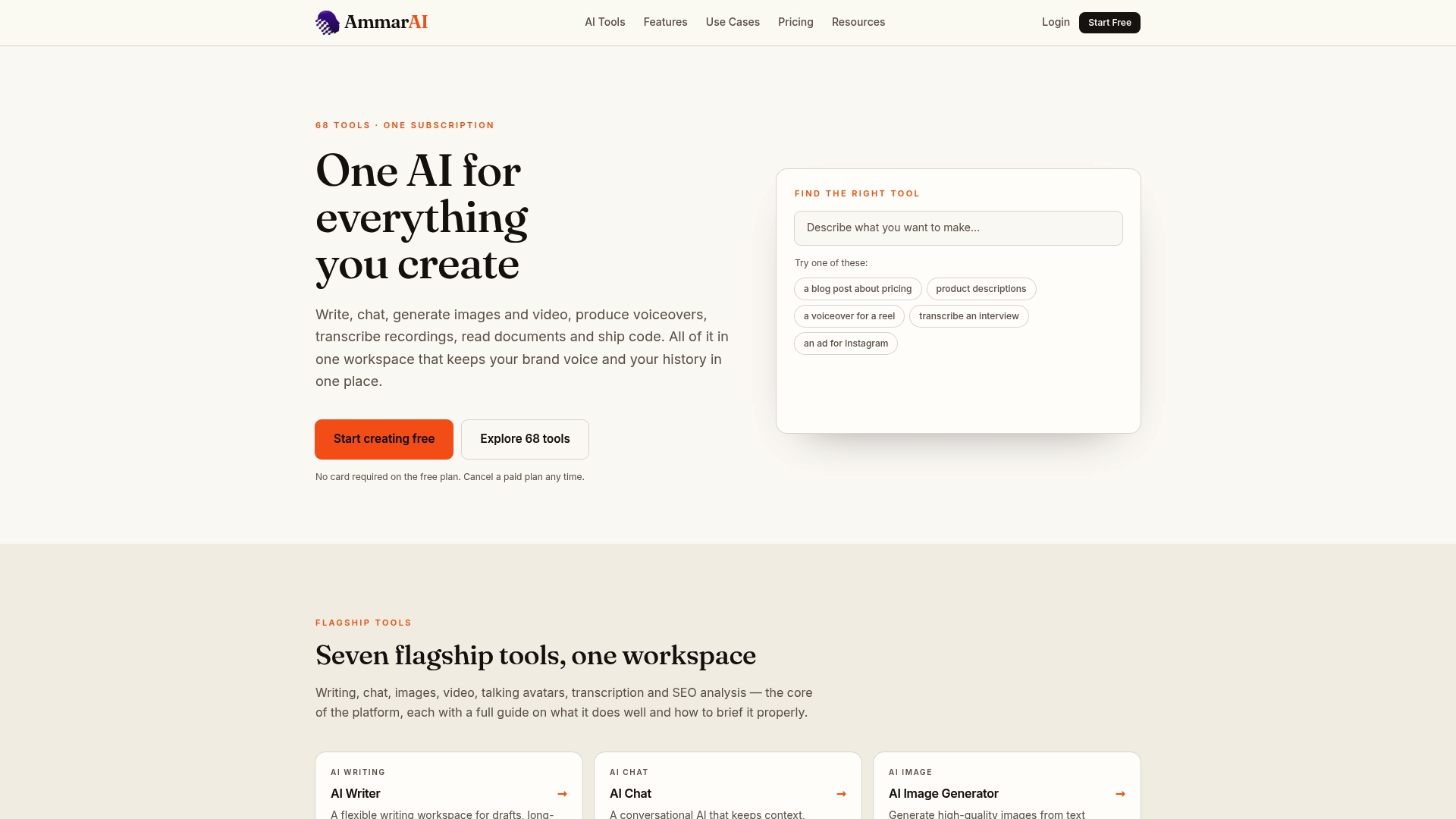
If you want to run the workflow above without juggling tools, AmmarAI includes chat-based drafting, transcription, document analysis and saved brand voice in one place. You can start on the Free plan at $0 per month, which has limited usage, and move up as your SOP library grows: Starter is $9.99 per month, Professional is $29.99 per month and Ultimate is $59.99 per month. See what each plan includes on the AmmarAI pricing page.
Teams that document technical processes may also like our page on AI for developers, which covers docs and onboarding, and our guide to an eight-step AI workflow pilot for rolling out a new process with a small group first.
Getting started this week
You do not need to document everything at once. A sensible first pass:
- Pick three tasks that are repeated often and cause the most questions or mistakes.
- Record the person who does each one talking through it. Ten minutes each is enough.
- Transcribe and draft with the prompt above, using one approved SOP as the style example once you have one.
- Answer the open questions with the process owner.
- Run the no-help test with someone new.
- Publish, name an owner, and set the next review.
After three SOPs, you will have a template, a prompt that works for your business and a feel for how long review takes. The next twenty go faster.
FAQ
Can AI write an SOP from scratch?
It can draft one, but not from nothing. Without your notes, recordings or policies, it fills gaps with generic steps that may not match how you work. Supply real material, tell it not to invent anything, and have the process owner review the result.
What should I put in an SOP prompt?
Include the task, its trigger, the people and tools involved, your current process notes, the audience, the sections you want and the format. Add an instruction to list missing information as open questions instead of guessing.
How long should an SOP be?
As short as it can be while letting a new person finish the task without help. Many are one or two pages. If a procedure runs long, split it into smaller SOPs that link to each other.
How do I know the AI draft is correct?
Two checks do most of the work: the person who does the task compares the draft with real practice, and someone unfamiliar with the task tries to follow it alone. For regulated or safety-related tasks, a qualified specialist should also approve it.
Sources
- What is a standard operating procedure (SOP)? | TechTarget
- Questions and Answers on Current Good Manufacturing Practice Regulations | FDA
- Generate a Standard Operating Procedure prompt | MangoApps
- How to Write SOPs with AI (Without Starting from Scratch) | BPM Institute
- SOP Drafting Prompts + Version Control Routine | Learnist
- Recipe 3: Process Documentation & SOPs | AI Cookbook, University of Missouri System
- AI for SOPs and Process Documentation | Rework
- Safely Using AI to Author and Maintain SOPs | Okido
Recommended
Recommended for you
- Job Descriptions With AI: A Practical Guide for Hiring Teams
Learn how to use AI to write job descriptions: what to feed it, how to prompt it, how to check for bias and invented requirements, and when rules apply.
- Style Transfer Writing: What It Is and How to Use It
Style transfer in writing changes tone and voice while keeping the meaning. Learn how it works, where it helps, and a step-by-step method you can use today.
- How to Keep Brand Voice AI Outputs Consistent
Build a reliable brand voice AI system from approved samples, vocabulary, banned phrases and spelling rules, then test drafts and correct voice drift.
Tools to try next
- AI ReWriter
Rewrite existing text in a different tone, length or reading level while keeping the meaning intact.
- Brand Voice
Define how your brand sounds once, and have every writing tool follow it.
- AI Editor
A long-form document editor with AI help built into the page, for drafting and revising in one place.