
AI Business14 min read
Batch Content Creation: A Practical Workflow for 2026
Learn how to batch content creation into planning, drafting, editing and scheduling phases, and where AI helps you produce a month of posts, videos and drafts.

Batch Content Creation: A Practical Workflow for 2026
Batch content creation means making many pieces of content in one focused block instead of one at a time, then scheduling them to publish over the following days or weeks. The workflow that holds up has four separate phases: plan, draft, edit, schedule. AI speeds up the drafting and variation steps, but the review step is the one that decides whether a batch is good.
This guide walks through that workflow for written posts, social content and video. It also covers how to use AI for variations without losing your voice, and how to keep the habit sustainable.
TL;DR
- Batching is a planning discipline first. Choose pillars, assign themes to weeks, then produce in one sitting per content type.
- Keep drafting and editing in separate sessions. Mixing them is a common reason batches fail.
- Use AI to generate variations and first drafts in bulk, and reserve real time for review, because a shared mistake can repeat across the whole batch.
- Treat video as a pipeline: scripts together, recording together, editing together, publishing on a schedule.
- Track topic, hook, format and call to action in one sheet so you can measure what works.
Table of Contents
- What batch content creation is, and why it works
- Plan the batch before you create anything
- Keep drafting and editing apart
- Batch social media content across channels
- Use AI for bulk generation and content variations
- A review pass that catches batch-wide errors
- Bulk video production, step by step
- Batching for study materials and documentation
- Make the habit sustainable
- Our perspective
- Try the workflow in one workspace
- FAQ
- Sources
What batch content creation is, and why it works
The idea is simple. Every task has a setup cost: opening the tools, getting into the right frame of mind, finding the brand guidelines. When you write one caption a day, you pay that cost thirty times a month. When you write thirty captions in one session, you pay it once.
That is the practical case for batching. You get fewer context switches, a more consistent voice across pieces, and a calendar that is full before the week starts, so a busy Tuesday does not become a missed post.
Batching also has a real weakness. When you write many pieces in the same headspace, the same off-brand angle or factual slip can show up in every one. One marketer who writes about batching warns that seven pieces created together can all be slightly wrong in the same way. The fix is not to abandon batching. It is to build a review step that looks at the batch as a set, not just piece by piece.

Plan the batch before you create anything
Most of the quality in a batch is decided before the first draft. A workable planning pass looks like this:
- Pick your content pillars. Three to five recurring themes your audience cares about, such as how-to advice, behind the scenes, customer stories, product updates.
- Gather inputs. Recent analytics, questions customers asked you this month, comments, support tickets, sales calls.
- Assign themes to weeks. Week one might lean on education, week two on proof, week three on product, week four on community.
- Generate topic ideas for each theme, then cut the weak ones.
- Write a hook and a call to action for every planned piece before you draft the body.
One content workflow guide recommends tracking each post’s topic, hook, format and call to action in a spreadsheet or document, and splitting the work into separate phases for planning, creation, editing and scheduling. A simple sheet is enough:
| Date | Pillar | Topic | Hook | Format | CTA | Status |
|---|---|---|---|---|---|---|
| Mon | Education | Three mistakes in product photos | Question | Carousel | Download checklist | Drafted |
| Wed | Proof | Customer result | Number | Short video | Book a call | Planned |
| Fri | Product | Feature walkthrough | Demo | Reel | Try it free | Planned |
The status column matters more than it looks. It lets you see at a glance which phase each piece is in, and it stops you from editing something you have not finished drafting.
Keep drafting and editing apart
The most common reason a batching session collapses is trying to write and polish at the same time. One agency’s batching guide argues that drafting and editing are opposing brain modes that need strict separation. You can feel it yourself: the drafter wants speed and volume, the editor wants to cut and question.
A schedule that respects this might be:
- Day one, morning: plan and finalize hooks.
- Day one, afternoon: draft everything fast, no editing.
- Day two: edit with fresh eyes, check facts, tighten language.
- Day two, end: schedule and queue.
If you only have one day, put a real break between drafting and editing, and edit in a different place or on a different device. Even an hour away from the draft changes what you notice.
Batch social media content across channels
Social content is where batching pays off fastest, because the formats are short and repeatable. The trick is to batch by format, not by channel.
- Write the core message once. One idea, one clear point, one proof or example.
- Adapt it per channel. A long-form post on a professional network, a punchy caption with a visual for an image feed, a short script for vertical video, a thread for text-first platforms.
- Batch the visuals together. Create all images in one session using the same style, colors and layout so the feed looks cohesive.
- Batch captions and hashtags after the visuals are done, since the image often changes what the caption should say.
- Schedule everything in one sitting and leave a few open slots for timely posts.
If you already have a long article, webinar or video, repurposing is the shortest path to a batch. Our walkthrough on AI content repurposing in seven steps shows how one source turns into a week of posts.
Use AI for bulk generation and content variations
AI changes batching in two ways. It shortens the drafting phase, and it makes variations cheap: five hooks for the same post, three captions in different tones, one product description rewritten for four audiences.
Three habits keep that useful instead of noisy:
- Give the model your voice, not just a topic. Feed it your brand guidelines, sample posts and the words you avoid. If you have not written those down, our guide to writing your own AI editorial guidelines is a good starting point.
- Generate variations, then choose. Ask for several options per piece and pick the one that sounds like you. Do not publish all of them.
- Lock the facts first. Put names, numbers, prices and claims in the prompt as source material. Do not ask the model to supply them.
More output means more to review. A content-operations analysis makes the point that AI raises possible output while also raising the need for review, so teams should set aside explicit capacity for expert and editorial judgment. If you plan a batch of thirty pieces, plan the review hours at the same time you plan the generation.
If you publish AI-assisted content for search, the review step is also where you protect it. This piece on using AI content without search penalties is worth reading before you scale up. For a broader view of the process, see our overview of how to use AI for content creation.
A review pass that catches batch-wide errors
Because batches share assumptions, review them in two passes.
Pass one: the set. Read the first lines of every piece together. Do they sound alike? Do they repeat the same angle, example or claim? Is any promise made in one piece contradicted in another?
Pass two: each piece. Check every number, name and link. Read aloud for tone. Run a proofreader over the text. Our AI proofreader is built for catching errors before you send.
If you are tempted to rely on detector scores to judge quality, read how to check claims before trusting detector scores. A score does not tell you whether a statement is true or on brand. A person with the source material does.
Where a draft reads stiff, a rewrite pass can smooth it. The AI humanizer is designed to make drafts sound more natural, and you still decide what stays.
Bulk video production, step by step
Video is the format people avoid batching because it feels heavy. It is also where batching saves the most time, since setup (lighting, framing, tools) is the biggest cost.
- Script in one block. Write all scripts for the month or week together, each with a hook in the first few seconds, one idea and one call to action.
- Prepare assets together. Gather logos, product shots, b-roll, music and captions style so every video shares them.
- Record in one session. Same location, same outfit or setup, one script after another. Leave a beat of silence between takes to make cutting easier.
- Edit by type. Do all the cuts first, then all the captions, then all the thumbnails.
- Export and schedule in one pass, using the same naming convention.
AI can help at several of these steps: drafting scripts, generating voiceover, creating b-roll or images from text, trimming footage and adding captions. Our AI video workflow that ships covers the full path, and the AI video editor lets you edit footage with a prompt. For interviews or recorded calls that become clips and posts, AI transcription turns the audio into text you can mine for quotes.
For images in the same batch, the AI image generator handles generating, editing and upscaling, and the AI product photo generator suits e-commerce listings.
Batching for study materials and documentation
The same logic works outside marketing.
Students can batch study aids by source: feed lecture notes or a chapter and generate summaries, flashcards and practice questions for the whole unit in one session. Review them against the original text in a separate session, since a summary that is slightly wrong is worse than none.
Developers and technical writers can batch first drafts of documentation: README sections, API endpoint descriptions, changelog entries, onboarding guides. Generate drafts from the code and specs, then have the person who knows the system verify each one. The editing rule from earlier applies: draft fast, then review separately.
Small businesses can batch e-commerce listings, email sequences and FAQ pages the same way: one product data sheet, many outputs, one review pass.
Make the habit sustainable
Batching turns into a burden when it becomes a monthly marathon. A few adjustments keep it light:
- Batch weekly if monthly feels heavy. A smaller batch is easier to review well.
- Leave slack. Fill about 80 percent of your calendar and keep the rest for news, replies and ideas.
- Measure what matters. Use your tracking sheet to compare hooks, formats and calls to action, then feed the winners into the next plan.
- Retire what does not work. If a format underperforms for two cycles, replace it.
- Protect the review hours. They are part of the work, not an extra.
Our perspective
We built AmmarAI around a simple observation: batching breaks down when your tools are scattered. If chat, writing, images, video and voice live in separate subscriptions, each with its own history and its own idea of your brand, the batch fragments before it ships.
That is why we put everything in one workspace with one history, one brand voice and one bill. Brand voice is applied across everything you generate, so a week of posts, the images that go with them and the video script all start from the same guidelines. Bulk generation and shared workspaces let a team work on a batch together instead of passing files around.
We also think the honest way to talk about AI is to say what it does not do. It does not replace the review phase. Our focus is practical workflows, not autopilot: generate in volume, then give your editor a clean, organized batch to approve. The faster the drafting gets, the more the edit matters, and we would rather help you spend your time there.
Ahmed
Try the workflow in one workspace
If you want to run this process without juggling tools, AmmarAI combines writing, image, video, voice and transcription with a shared brand voice. There is a free plan with limited usage, so you can run a small batch first. Paid plans are Starter at $9.99 per month, Professional at $29.99 per month and Ultimate at $59.99 per month, with higher generation allowances and team features as you grow.
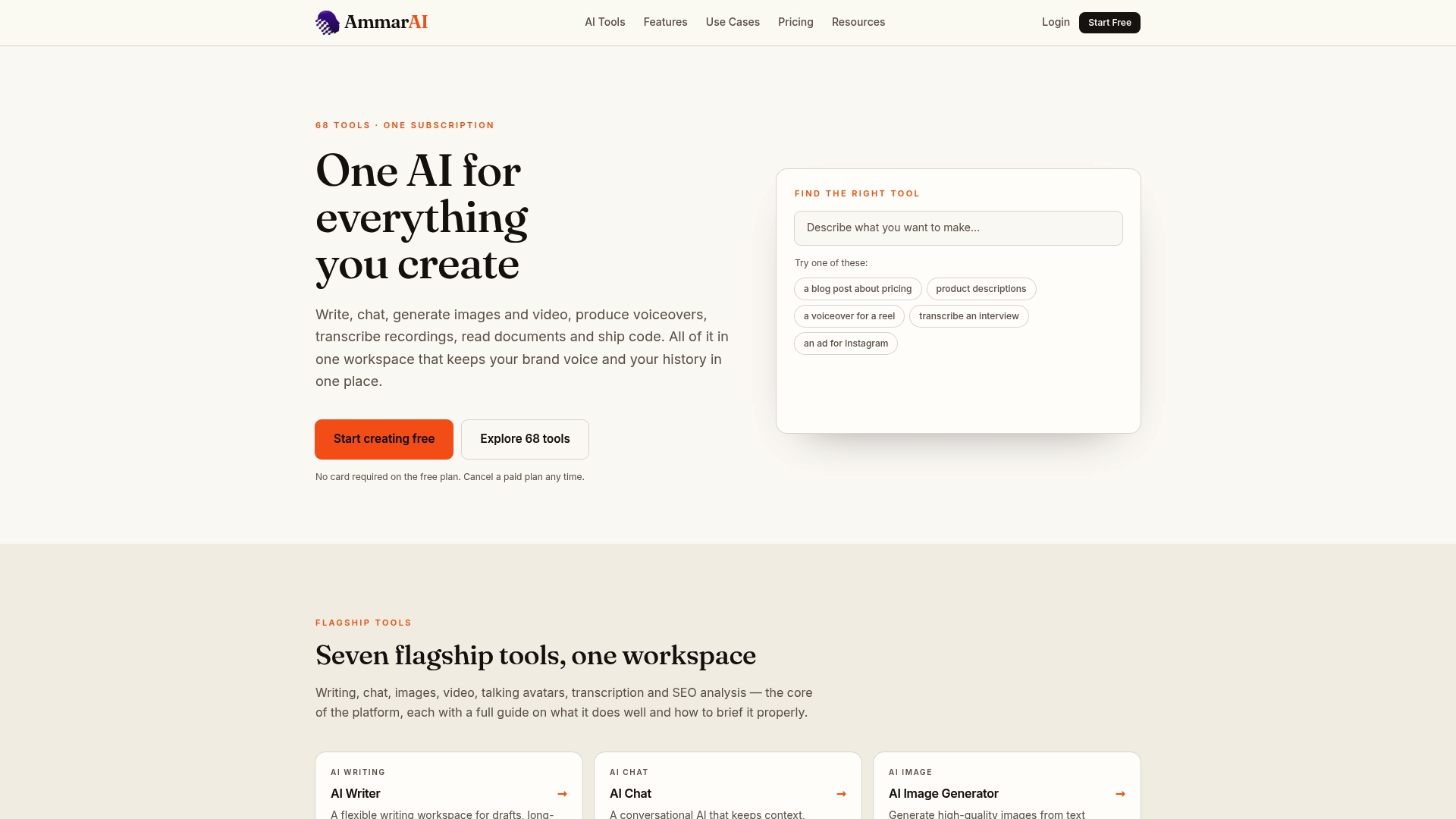
See the plans on our pricing page, or look at AI for content creators for ideas, scripts and captions. If your batch is aimed at search, AI for SEO and the AI SEO analyzer help you score pages and plan content at the pace rankings need. For a stage-by-stage overview of tools, see our guide to the best AI content creation tools.
FAQ
How do you batch write content?
Start with a plan: pillars, themes per week, and a hook and call to action for each piece. Draft everything quickly in one session without editing, then edit in a separate session. Finish by scheduling the whole set.
How do you batch create social media content?
Batch by format rather than by channel. Write the core message, adapt it for each platform, create all visuals together in one style, then write captions and schedule. Leave a few open slots for timely posts.
How much content should I batch at once?
Start with one week, which is easier to review well, and move to a month once the process feels smooth. The right size is the amount you can plan, draft and still review properly.
Can AI create content variations without losing my brand voice?
Yes, when you give it your brand guidelines, sample posts and verified facts, then choose from the options it produces. Review the whole batch as a set for repeated angles or errors before anything goes live.
Sources
- How to Batch a Week of Content in an Afternoon
- Content Batching Workflow: Create a Month of Content in One Day
- How to Batch Content: A Month of Posts in One Day
- AI Editorial Capacity Planning: How to Forecast Content Output
- Is AI Content Bad for SEO? How to Use It Without Penalties
Recommended
Recommended for you
- Code Refactoring With AI: A Safe, Step-by-Step Workflow
Learn how to refactor code with AI without breaking it: pin behavior with tests, make small changes, review every diff, and use AI to explain unfamiliar code.
- AI Storyboarding: A Practical Workflow From Script to Shots
Learn how AI storyboarding works: turn a script into shots, write prompts that hold characters steady, keep one style, and know where a human still decides.
- User Manual AI: How to Draft Guides You Can Trust
Use AI to draft a user manual or guide: what to feed it, how to structure it, what to verify before publishing, and where handbooks need extra care.
Tools to try next
- Brand Voice
Define how your brand sounds once, and have every writing tool follow it.
- AI Agent Builder
Build agents that run real workflows on a schedule or trigger — reading, deciding and acting without you.
- AI Social Media Agent
An agent that plans, writes, schedules and adjusts a month of social posts across your accounts.