
Automation
How to manage sales with AI CRM
AI CRM brings customer records and day-to-day sales work into one workspace. You can move from a contact to its company, deal, project, task and scheduled activity without rebuilding the context in separate tools.
The CRM Assistant is available when you need a quick summary or draft. The structured views remain the source of truth, so review the underlying record before acting on an AI response.
When to use this
- You need one view of contacts, companies and active opportunities.
- You want to track deals through a visual pipeline.
- You need tasks, projects and calendar events tied to customer work.
Start with the customer workspace
Open AI CRM
Open AI CRM from the workspace. The overview gives you a quick route into contacts, deals and follow-up work, with recent pipeline activity visible below.
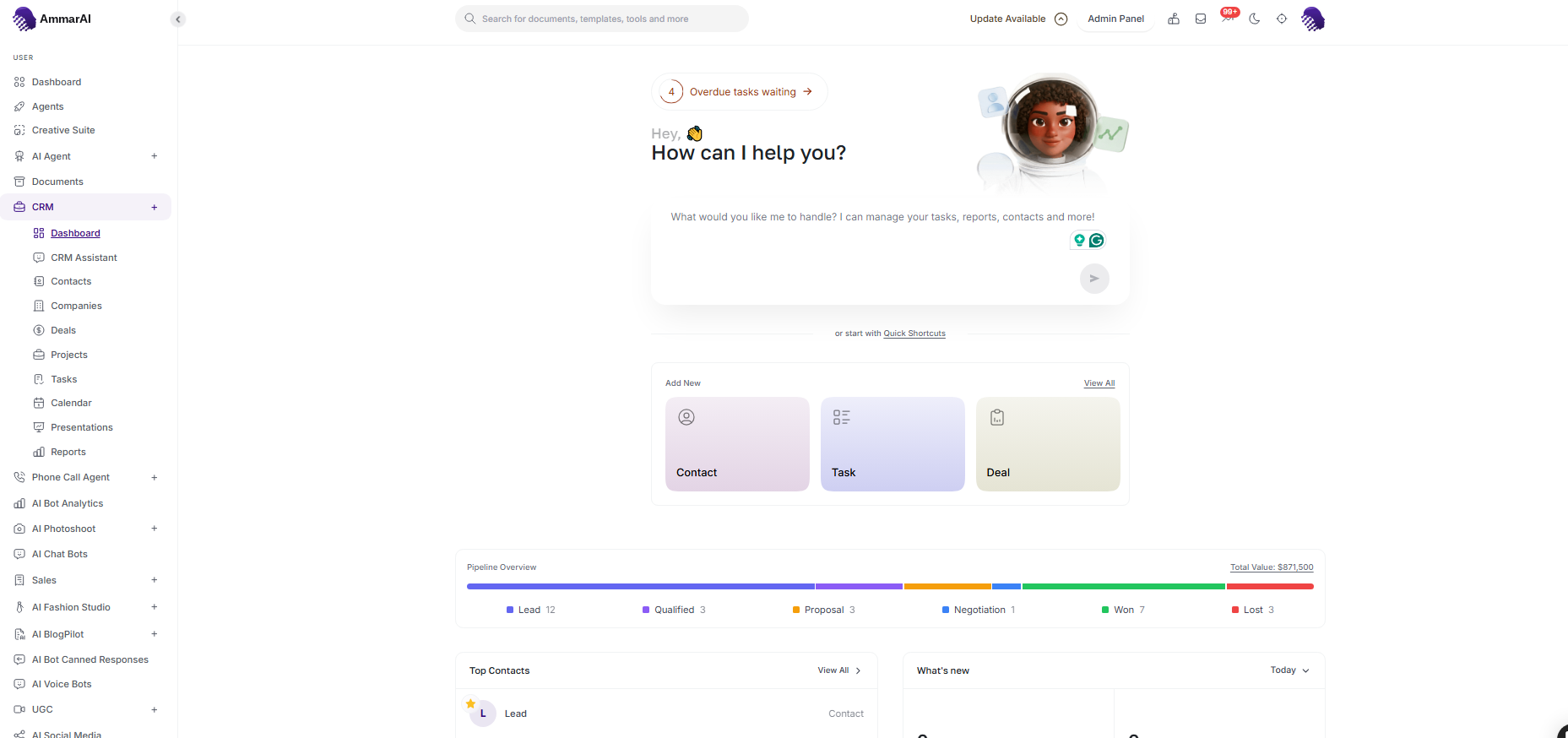
The overview keeps customer records and active work together. Ask the CRM Assistant
Use the CRM Assistant for questions such as a pipeline summary, overdue tasks or the health of a project. Be specific about the customer, owner or date range when the answer needs to be narrow.
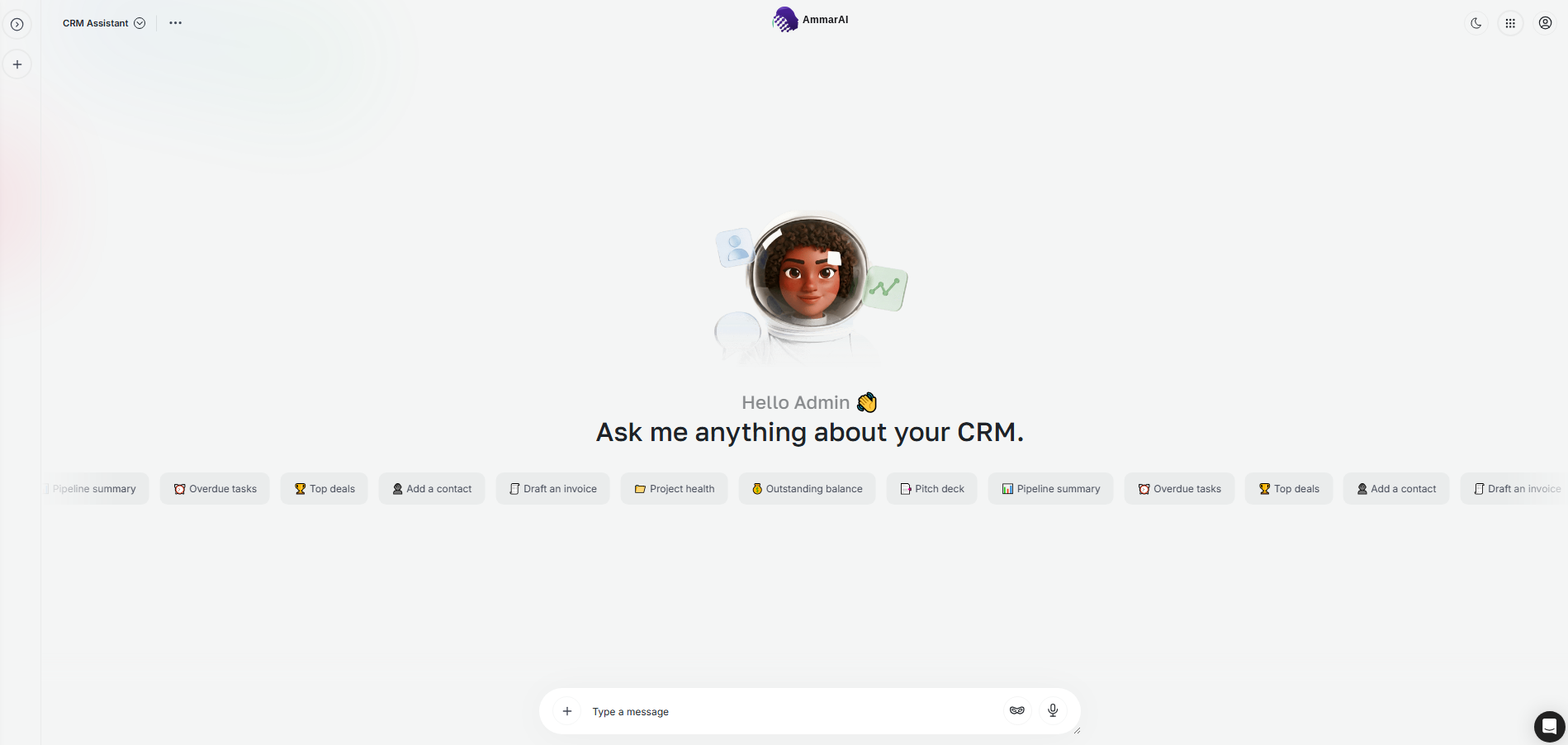
Ask a focused question about the records already held in your CRM.
Organise customer records
Manage contacts
Open Contacts to review people, their details and their current status. Add a contact when a new lead or customer enters your workflow, and keep the record current so later tasks and conversations stay connected to the right person.
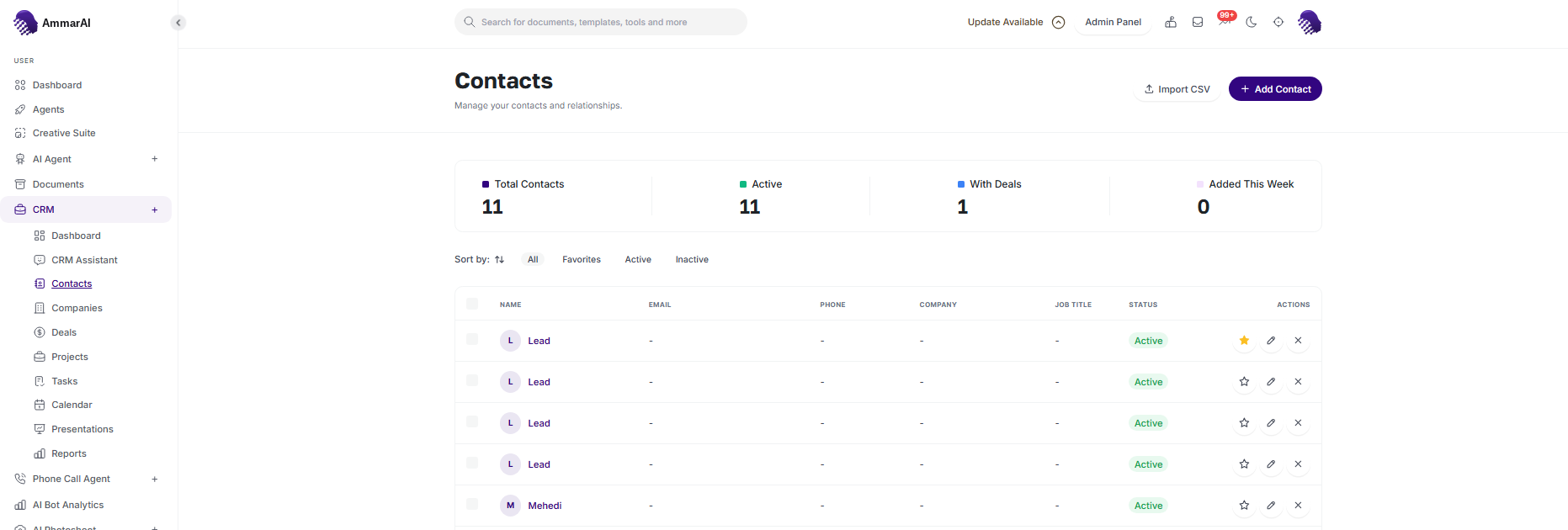
Contacts are the people connected to your sales and delivery work. Group contacts by company
Use Companies for the account-level view. This is where you can see the organisation behind several contacts and open a company record before reviewing its associated work.
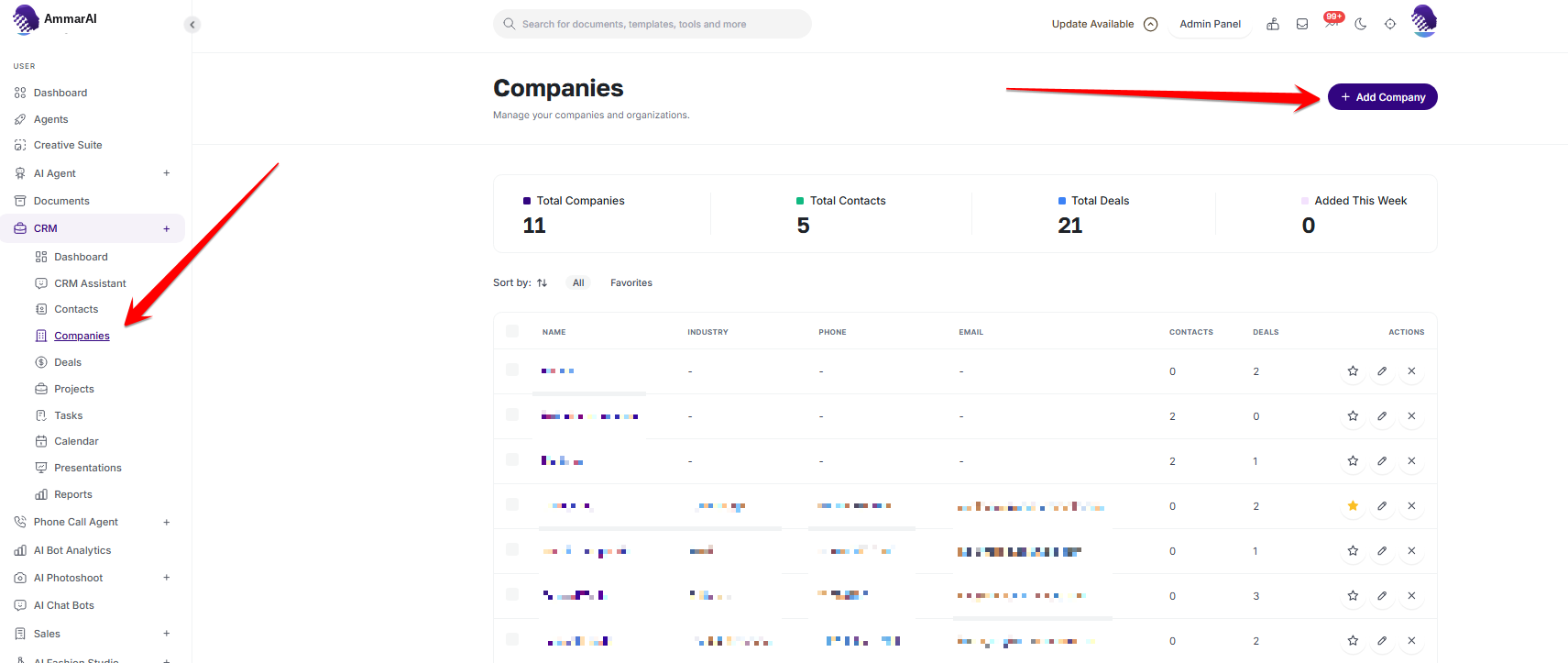
Company records keep related customer contacts together.
Move work through the pipeline
Track opportunities on the deals board
Open Deals to see opportunities grouped by stage. Add a deal for a qualified opportunity, then move it as the conversation progresses so the board reflects what is actually likely to close.
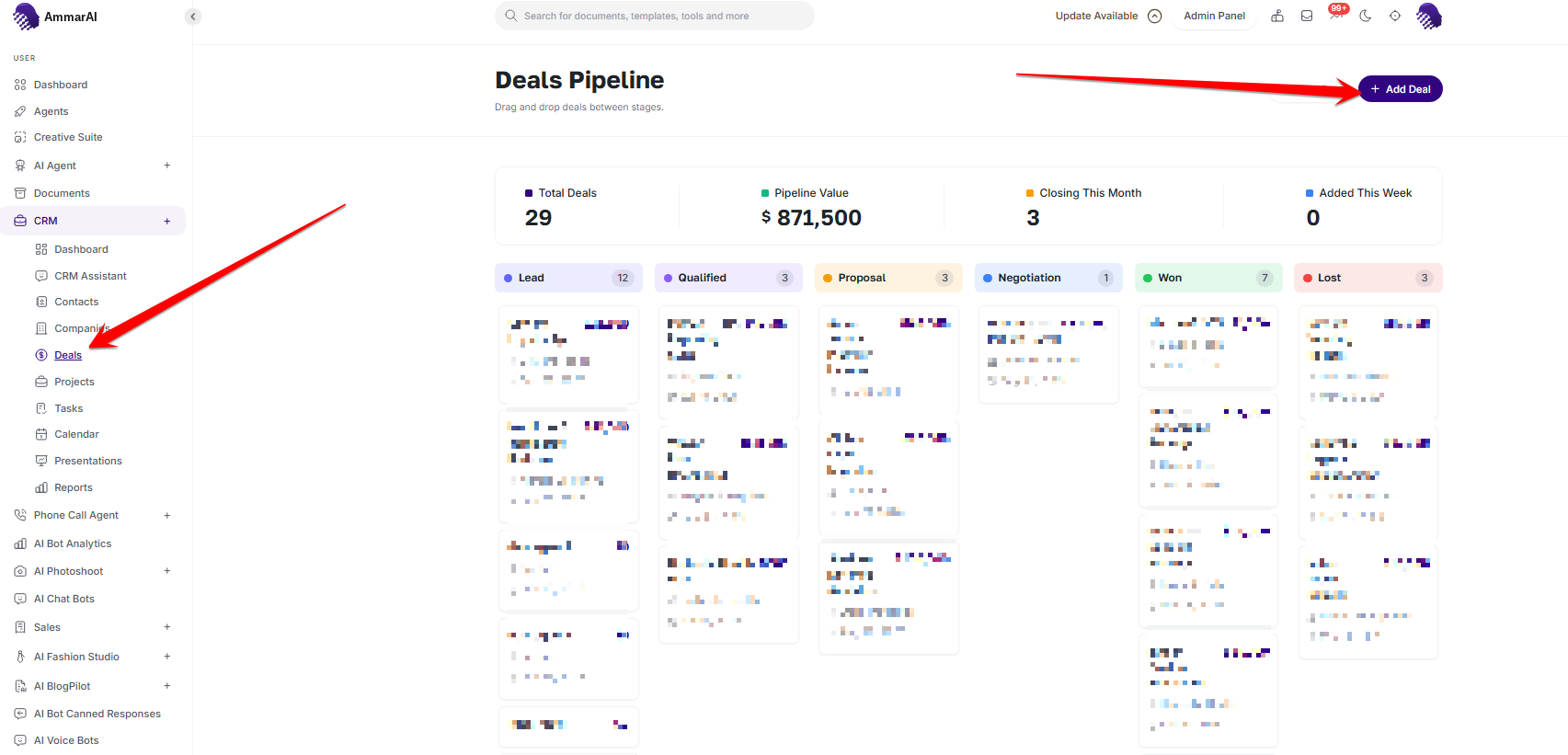
The deals board shows each opportunity at its current stage. Follow delivery in Projects
Once work moves beyond the sales conversation, use Projects to track ownership, priority, dates and status. Keep the project linked to its customer context so handoffs do not lose the original requirements.
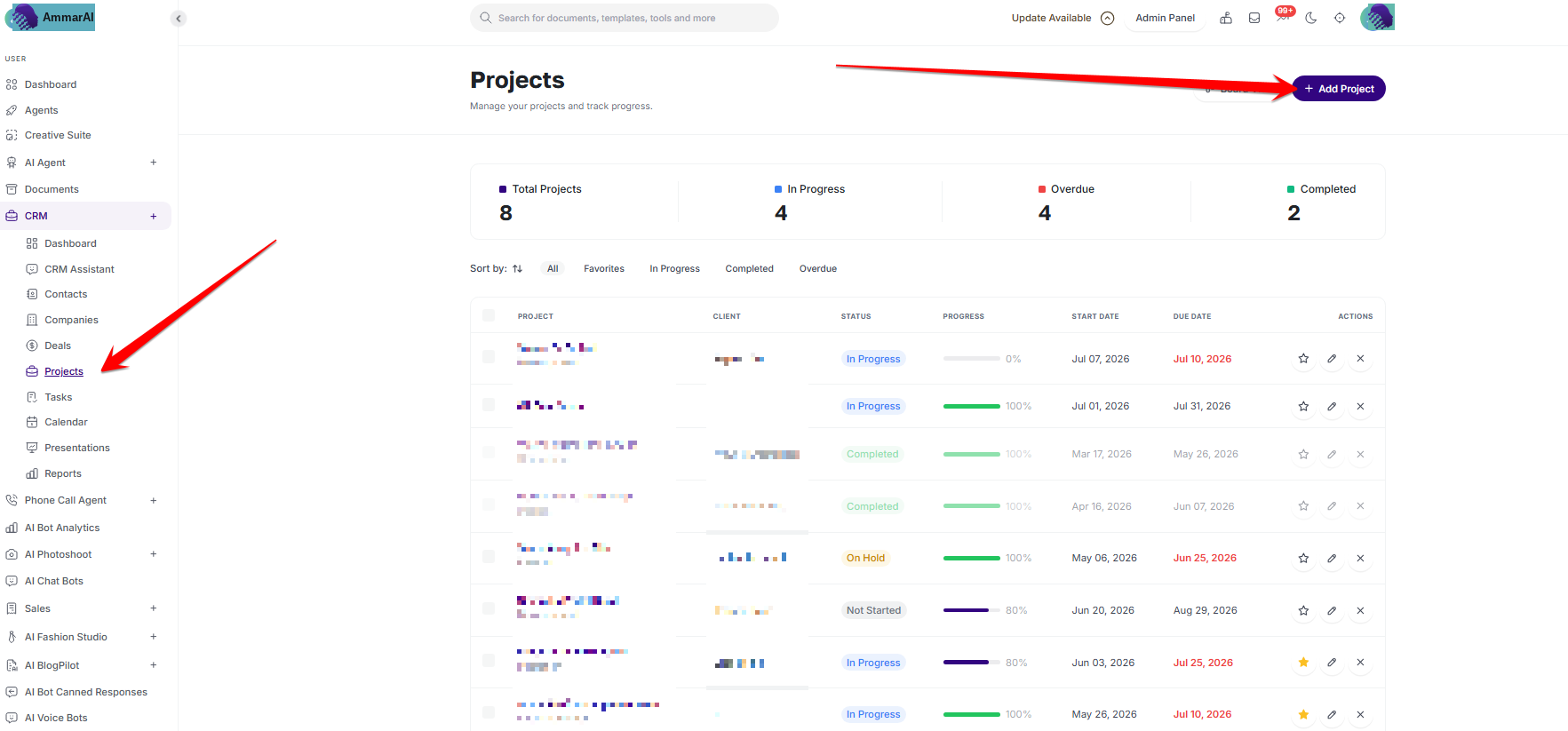
Projects carry customer work from agreement into delivery. Plan follow-up on the task board
Use the task board to separate pending, in-progress and completed work. Give each task a clear owner and deadline, and update its stage as soon as the work changes.
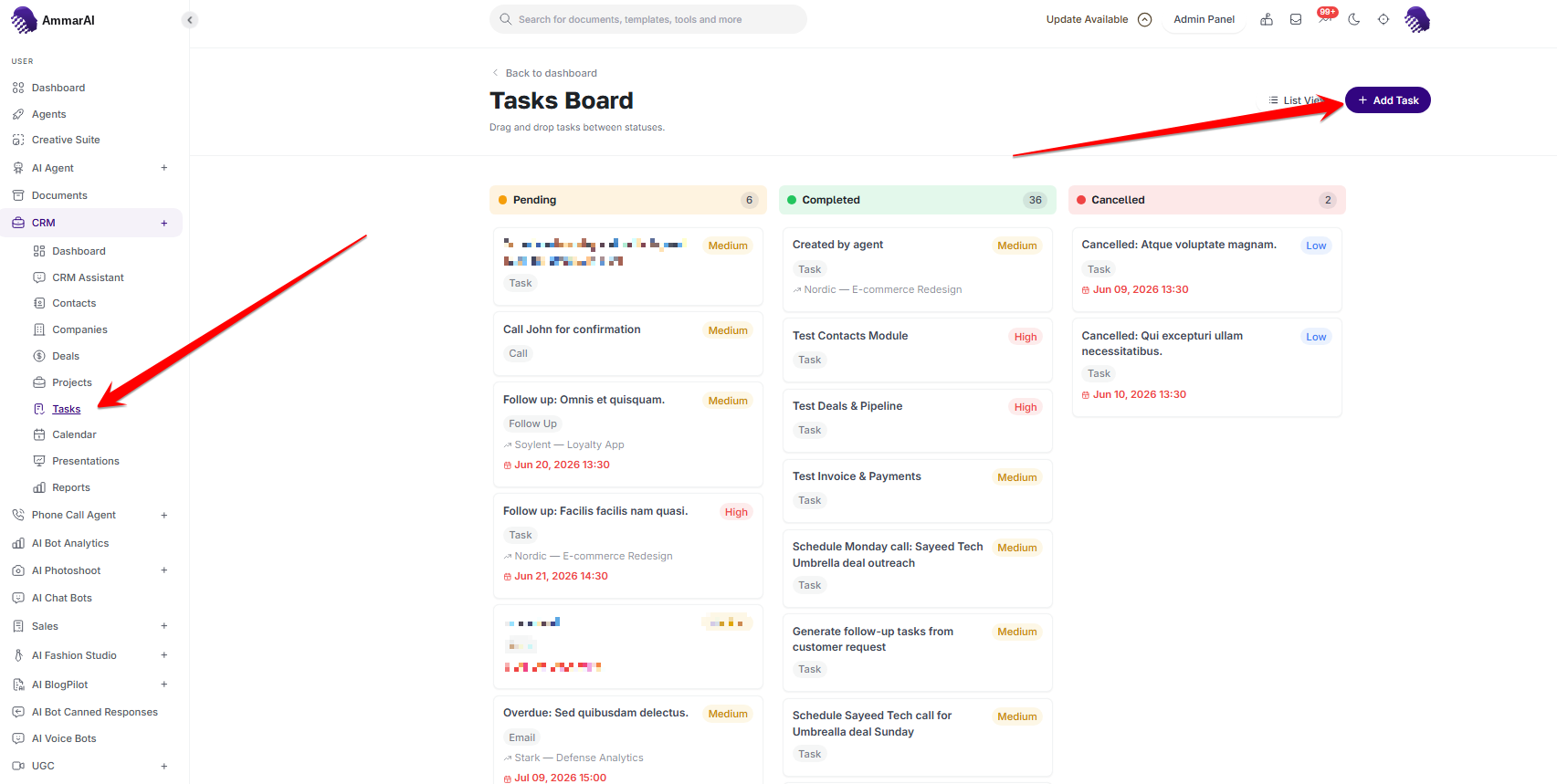
The task board makes ownership and progress visible. Review customer activity on the calendar
Open the CRM Calendar to see scheduled work across the month. Use it to check for overlapping follow-ups, project deadlines and customer commitments before promising a new date.
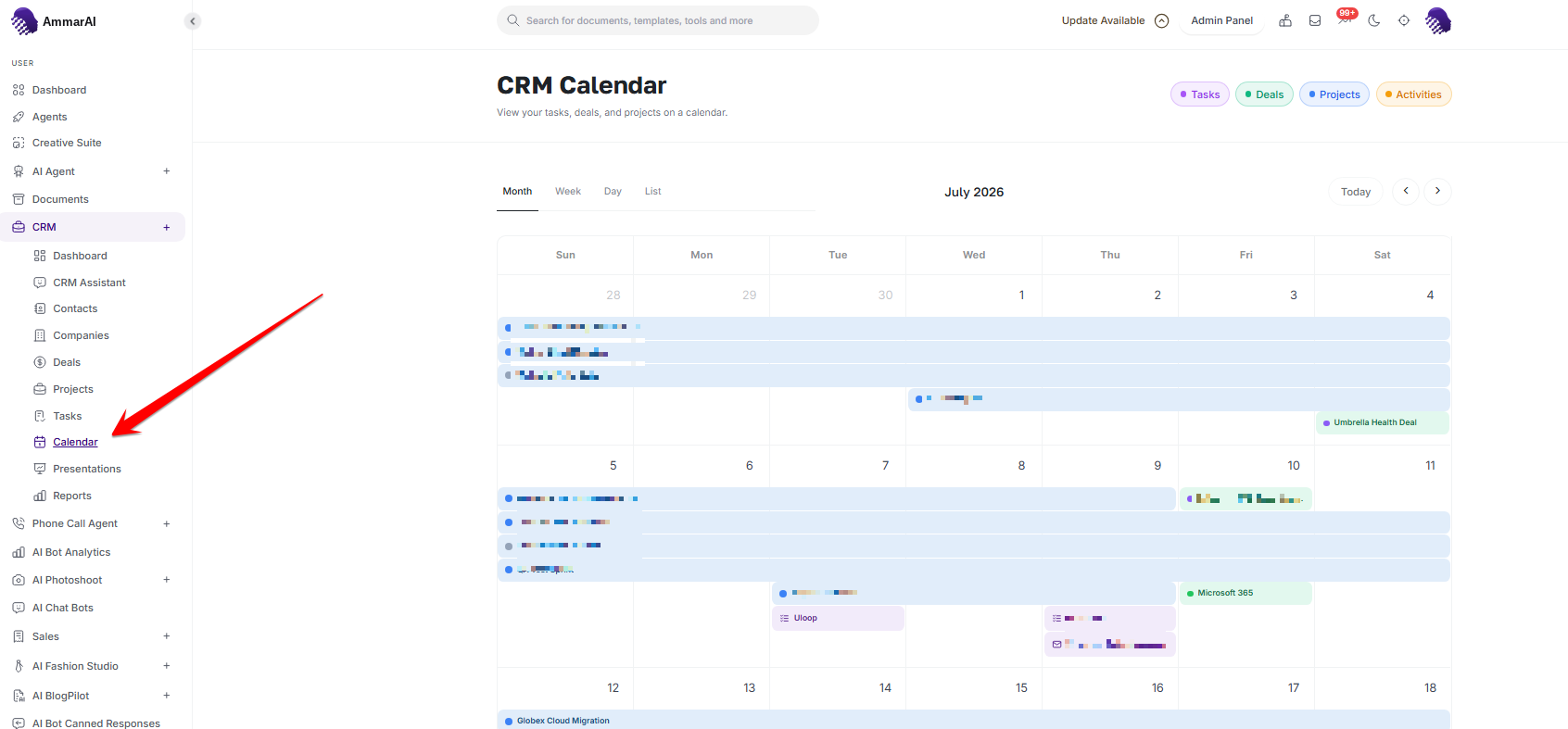
The calendar brings dated CRM activity into one view.
Keep the CRM reliable
- Use consistent names for companies and avoid creating a second record for the same customer.
- Update deal stages when the customer decision changes, not only at the end of the week.
- Give every task and project a clear owner and due date.
- Check AI-generated summaries against the underlying records before sharing them.
Ready to try it?
Try AI CRM in AmmarAI