
Audio
How to use AI Music Pro
AI Music Pro creates an original track from three creative inputs: a written description, a duration and a musical style.
When to use this
- A video, advertisement, podcast or presentation needs an original music bed.
- The track must match a specific emotion, instrumentation or tempo.
- You need a defined duration rather than trimming a longer stock track.
Define the track
Write a precise music description
Describe the intended mood, pace and prominent instruments. A useful brief combines all three, such as an optimistic electronic track with light percussion, warm synths and a steady mid-tempo build.
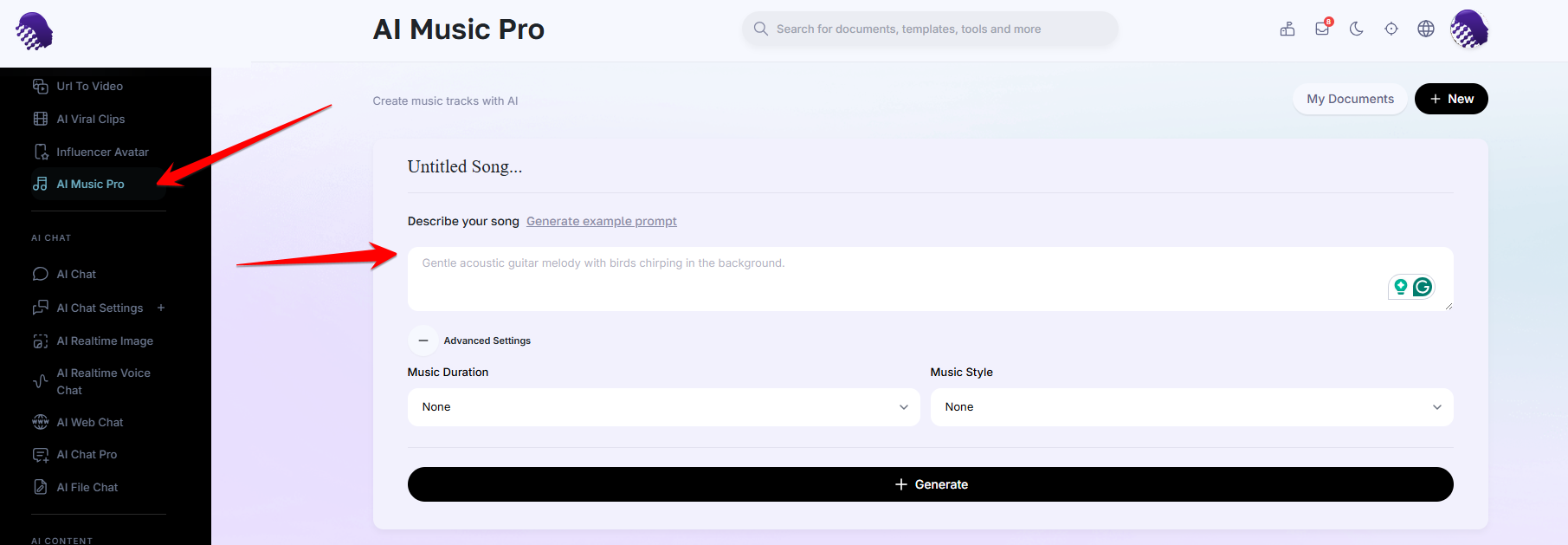
Describe the mood, instrumentation and movement of the track. Set the duration
Enter the required length in seconds so the result fits its destination, whether it is a short social clip, an advertisement or a longer presentation segment.
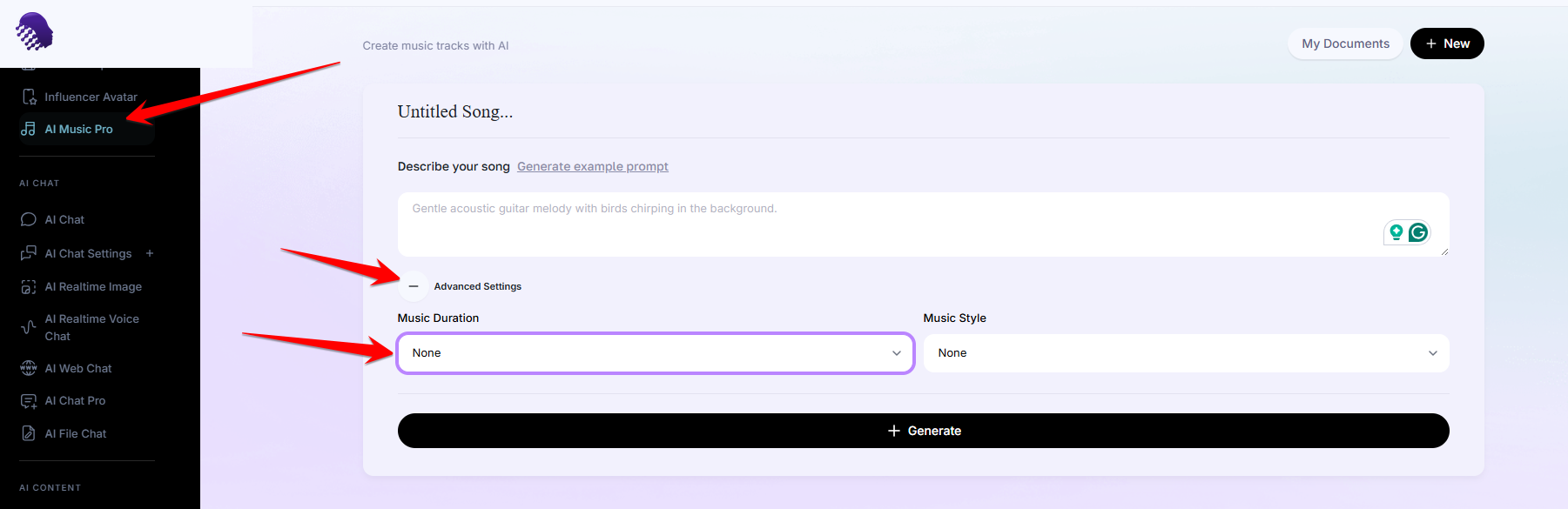
Match the duration to the content that will use the music. Choose the musical style
Open the style list and select the genre or foundation closest to the desired result. The description supplies the detail; the style gives the composition its broad musical structure.
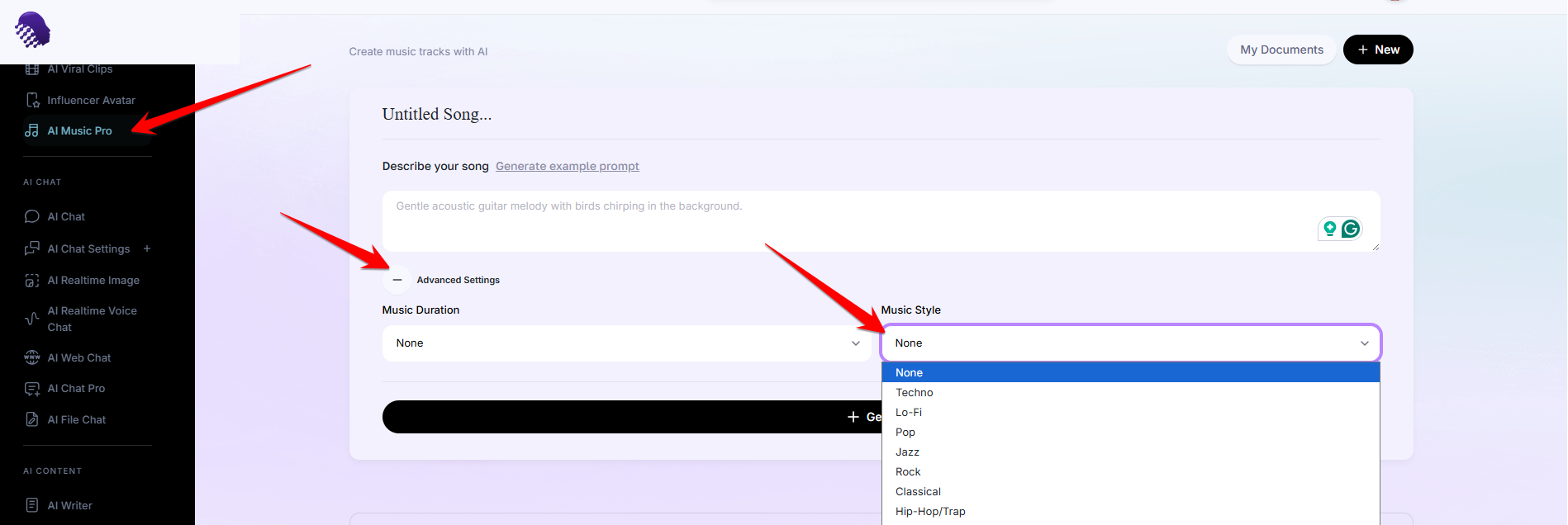
Choose the genre that best anchors the written brief.
Generate and evaluate
Generate the track
Check the description, duration and style together, then generate. Listen to the full result in context rather than judging only its opening seconds.
Refine one variable at a time
If the result misses the brief, change one element—such as tempo, instrument or mood—and generate again. Keeping the other inputs stable makes each revision easier to evaluate.
Ready to try it?
Try AI Music Pro in AmmarAI